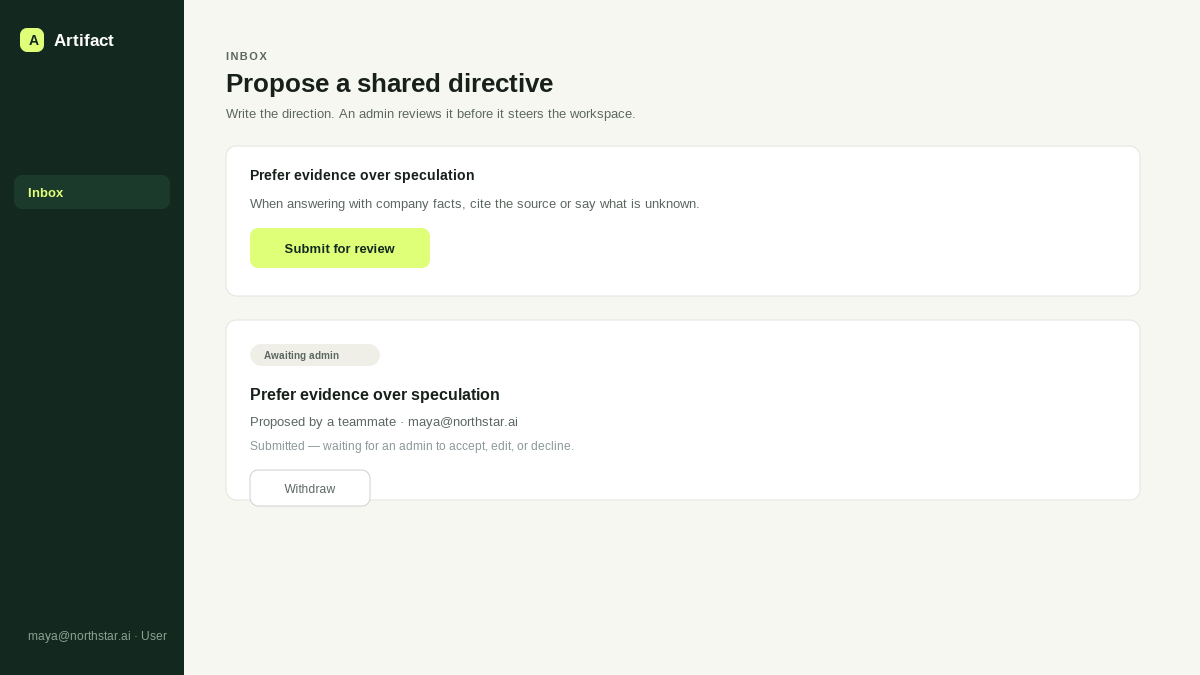
Members can propose shared directives for admin review
A non-admin member can propose an organization directive from Inbox. Admins are notified, then accept, edit, or decline — members cannot publish shared direction on their own.
How to use it
1
As a member, open Inbox and use Propose a shared directive.
2
Submit the title and instructions — the proposal is marked Awaiting admin.
3
As an admin, open Inbox to accept, edit, or decline; or as the proposer, Withdraw if you change your mind.