Back to changelog
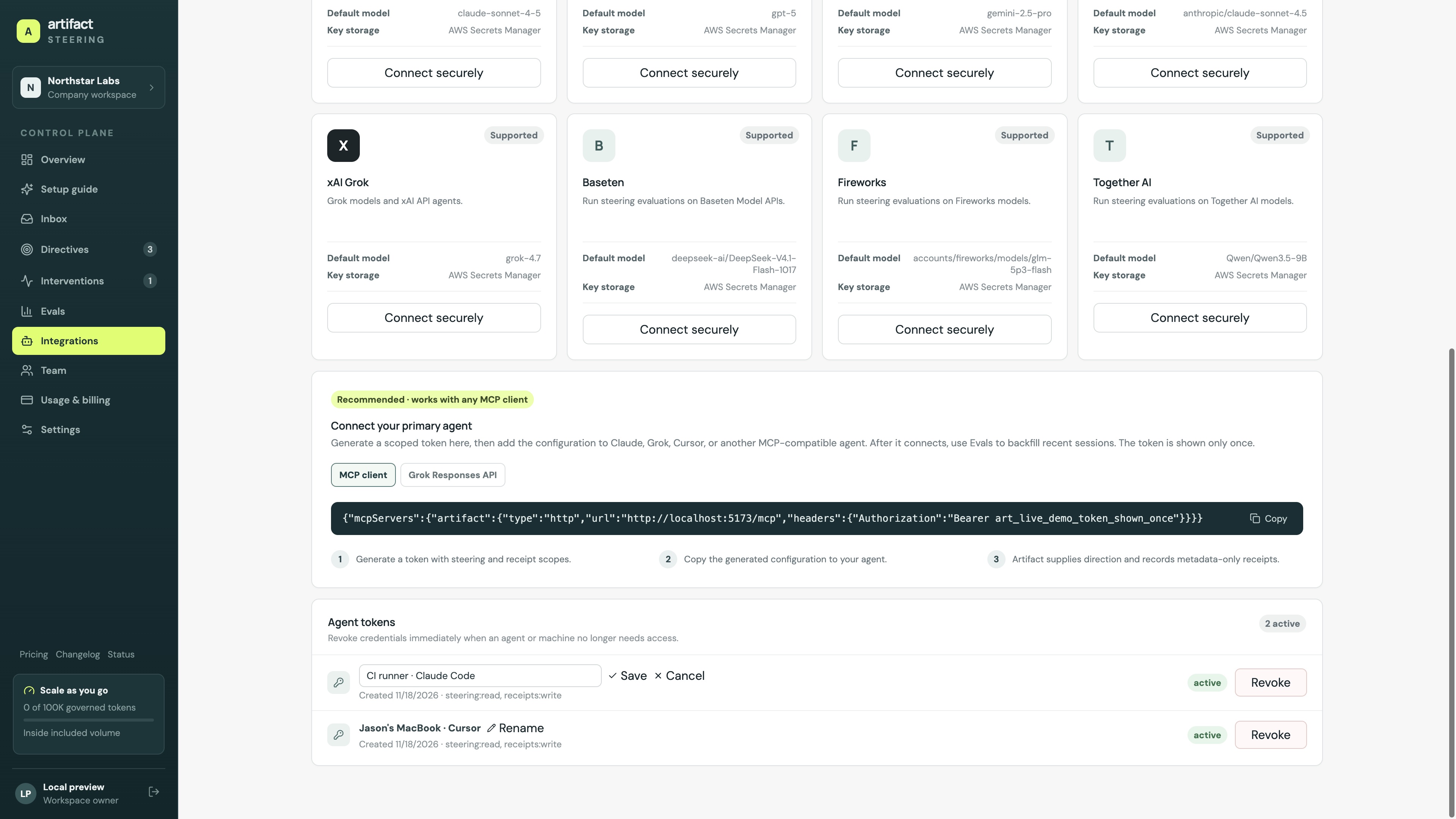
Name and rename agent tokens
You can name an agent token when you generate it and rename it later, so each machine or agent is easy to recognize before you revoke anything.
How to use it
- 1
In Integrations, enter a name such as Work laptop · Cursor under Token name, or leave it blank, then select Generate agent token.
- 2
To change a name later, select Rename next to the token under Agent tokens, edit the name, and select Save.