Back to changelog
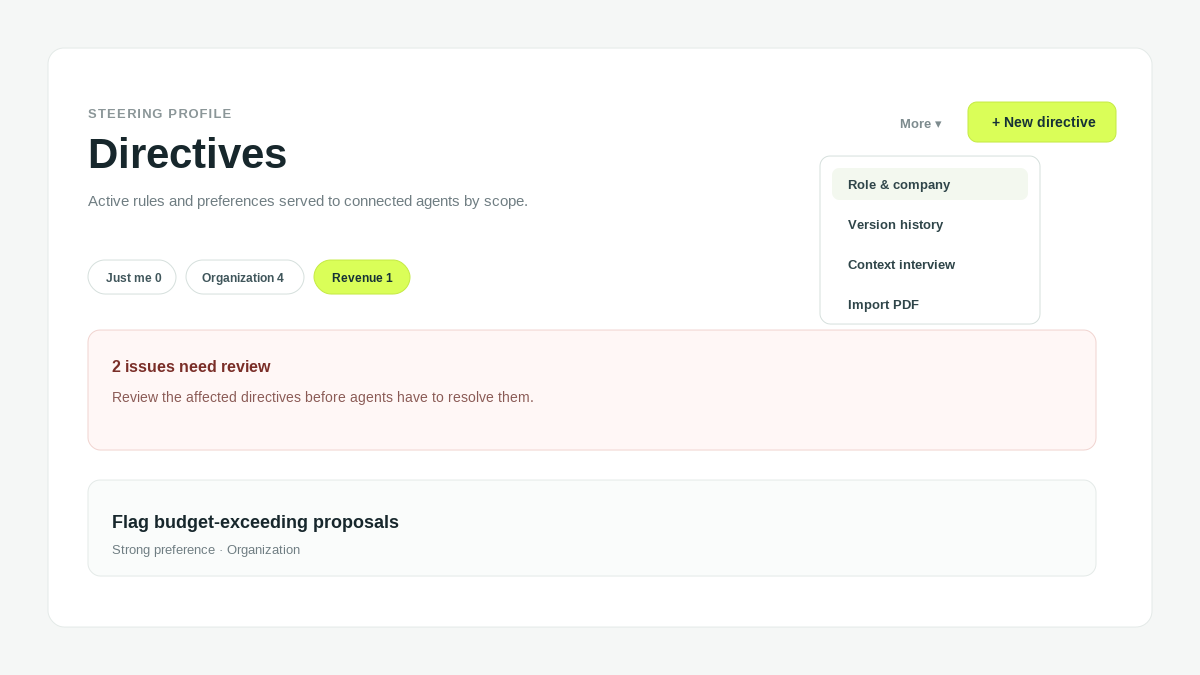
New directive stays the primary action on Directives
Directives puts New directive front and center; Role & company, history, interview, and PDF import move under a quiet More menu.
How to use it
- 1
Open Directives and choose New directive to add direction.
- 2
Open More for Role & company, Version history, Context interview, or Import PDF.