Back to changelog
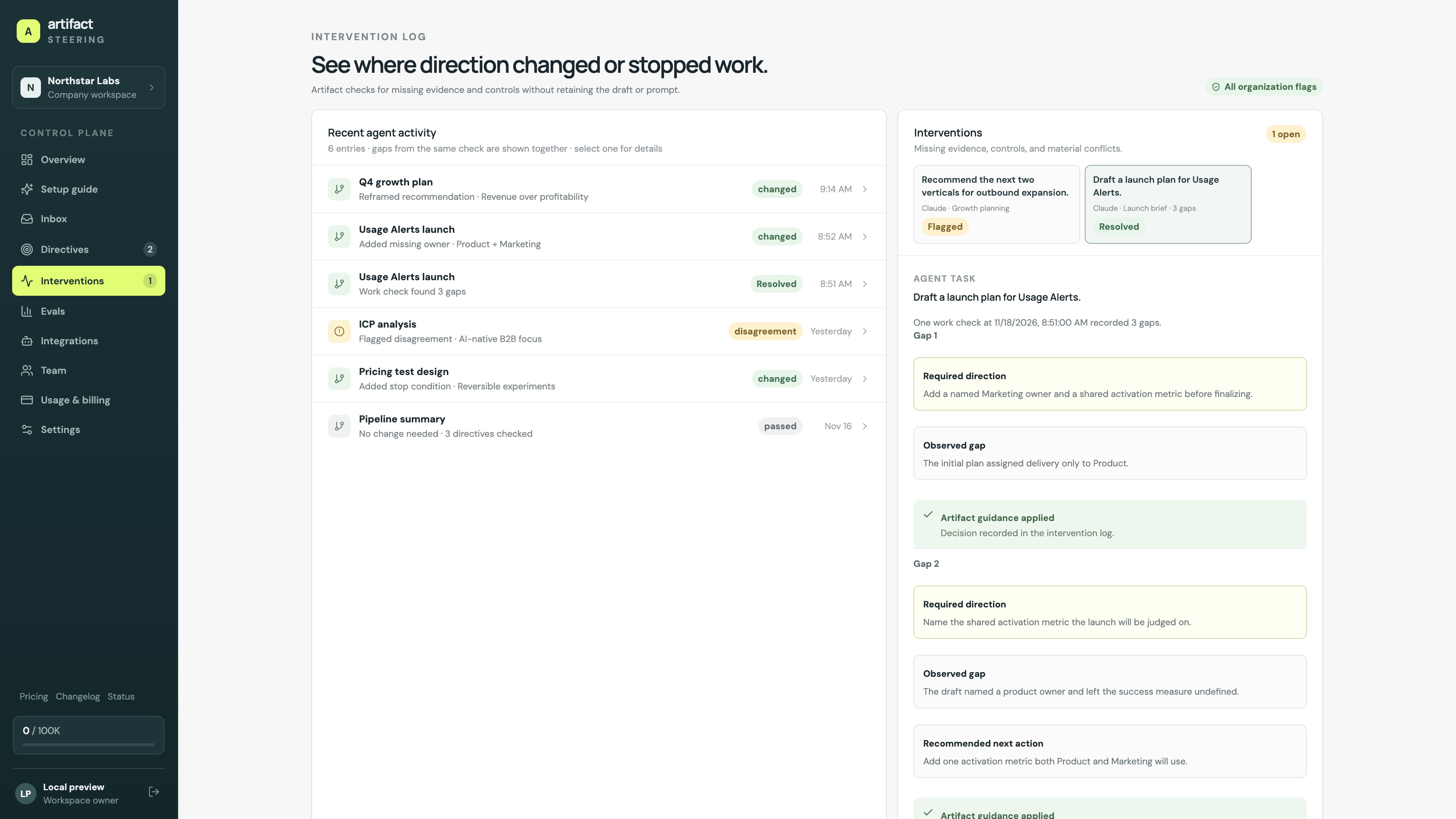
One work check, one row
A work check that finds several gaps appears once, at the time it happened, instead of once for every gap.
How to use it
- 1
Open Interventions.
- 2
Select a task whose card shows how many gaps came from that check.
- 3
Review each gap, then apply Artifact guidance or allow an exception.