Back to changelog
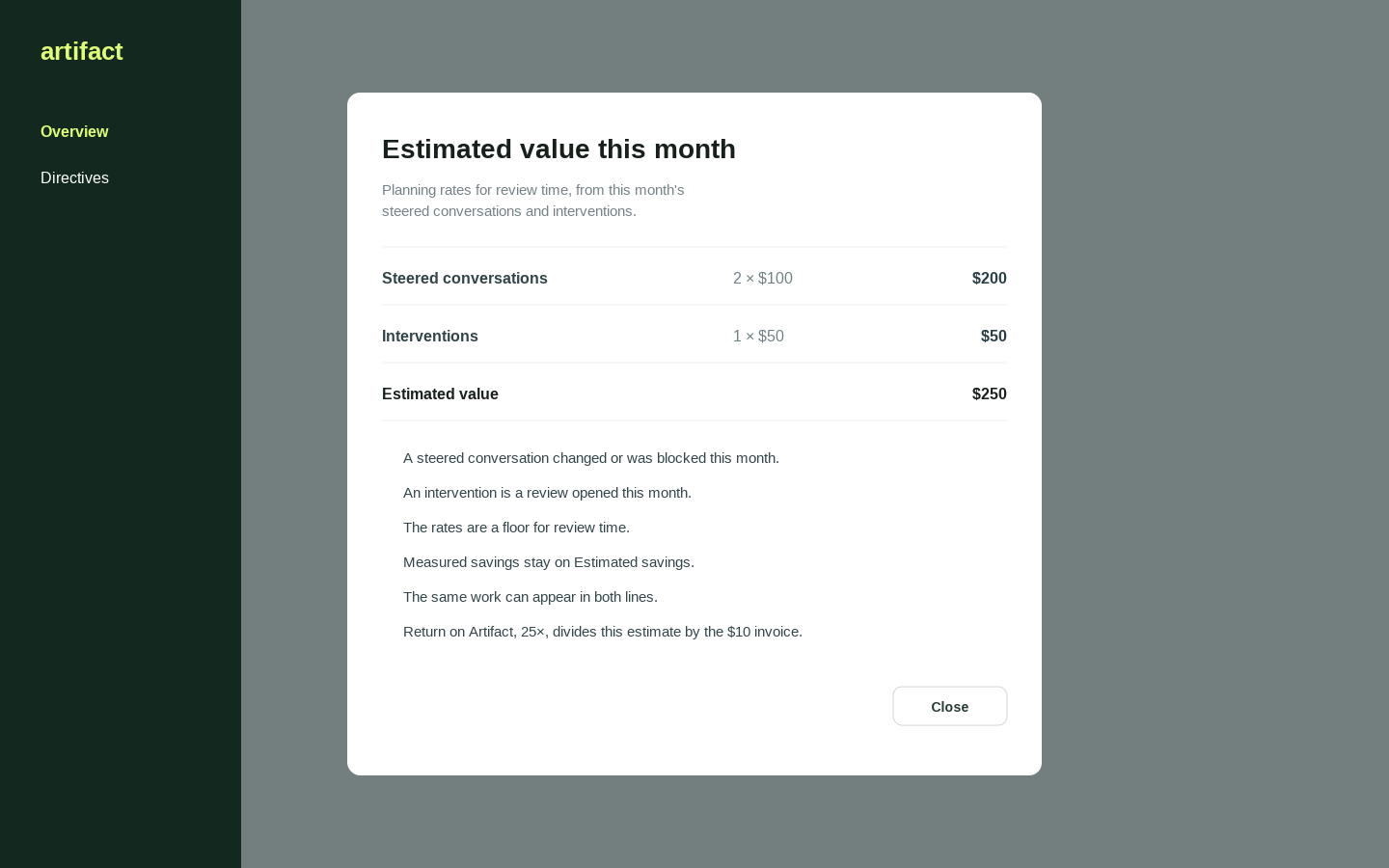
Open the estimate behind Estimated value
Estimated value opens the month's arithmetic and the reason those rates are a floor for review time.
How to use it
- 1
On Overview or Usage & billing, select Estimated value.
- 2
Read the two lines, then the note that one piece of work can appear in both.