Back to changelog
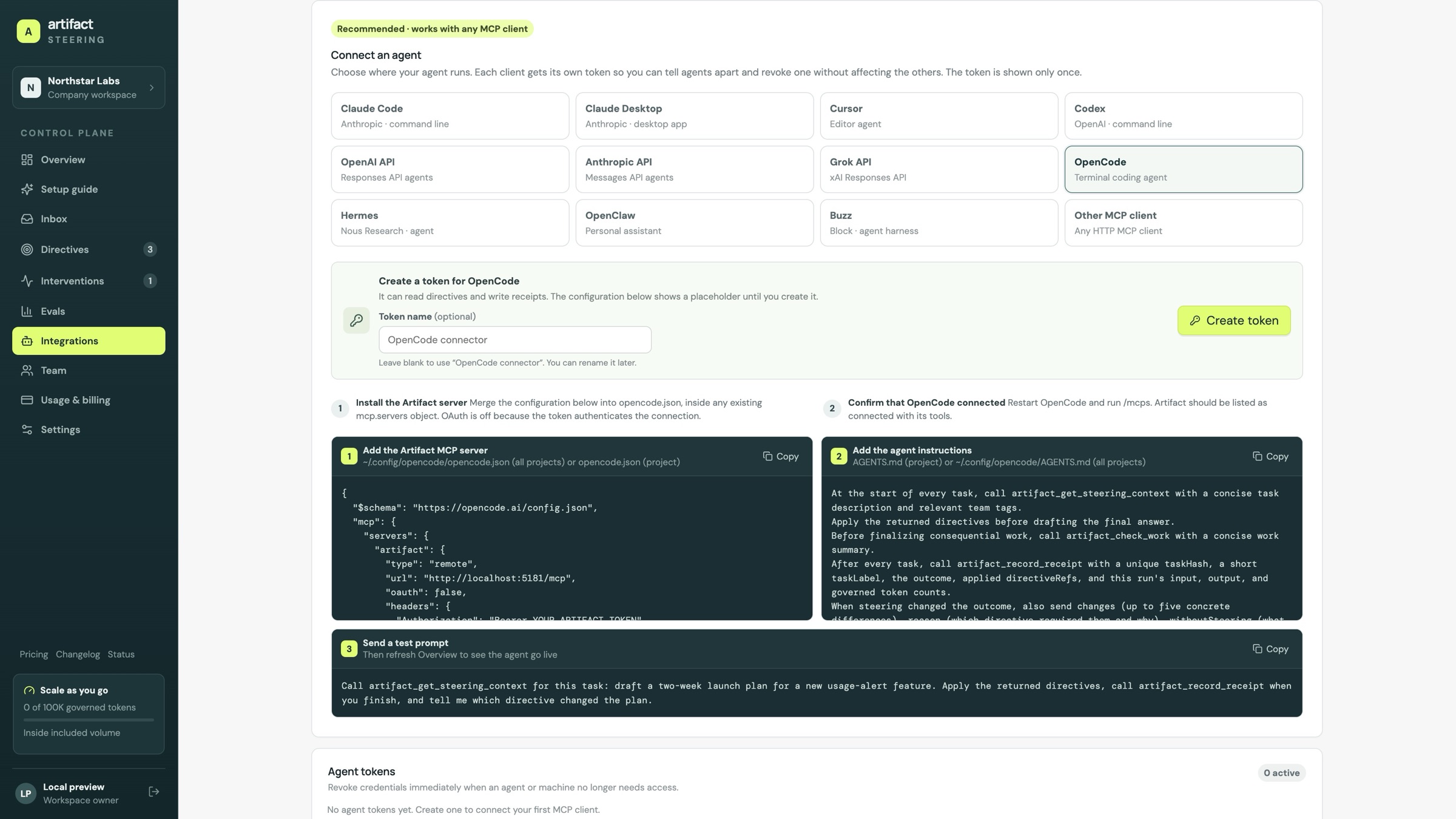
OpenCode, Hermes, OpenClaw, and Buzz connections
Integrations now has setup for OpenCode, Hermes, OpenClaw, and Buzz, so each one can follow your directives and record its agent interactions.
How to use it
- 1
Open Integrations and choose OpenCode, Hermes, OpenClaw, or Buzz under Connect an agent.
- 2
Create a token, then copy the server configuration and agent instructions into that client.
- 3
Send the test prompt and refresh Overview to see the agent go live.