Org chart on Team, and Rippling as a context source
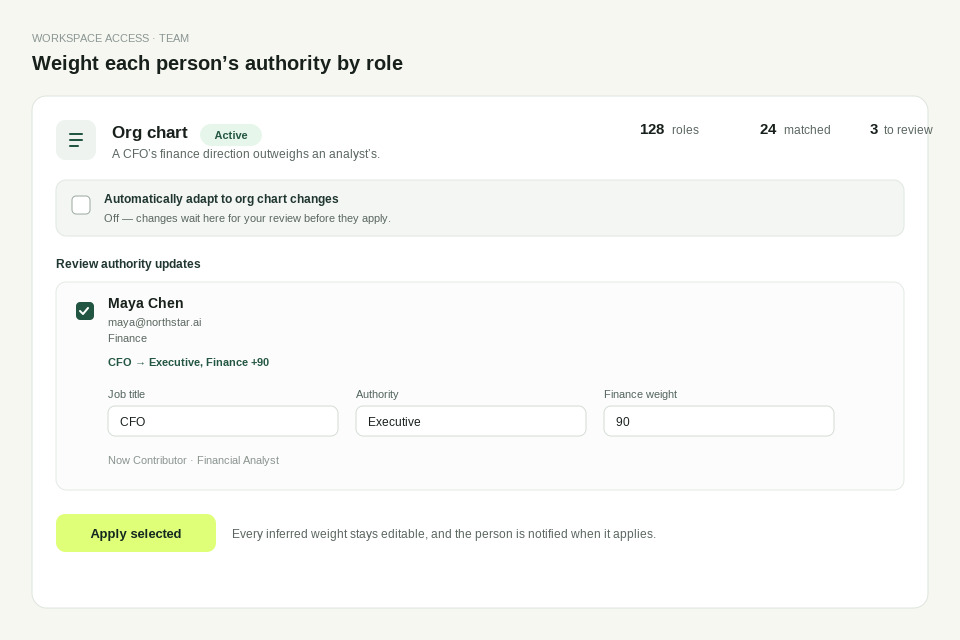
Team now shows one chart of people and the agents beside them, and Rippling can supply the roster so each person arrives with the directive authority their role implies.
How to use it
1
Open Integrations → Context sources, choose Connect Rippling, and paste a token with workers.read.
2
Pick up to 25 people and invite them; each arrives with the authority their title and department imply.
3
Open Team, sync Rippling into the org chart or upload a CSV, then review the proposed authority updates before they apply.