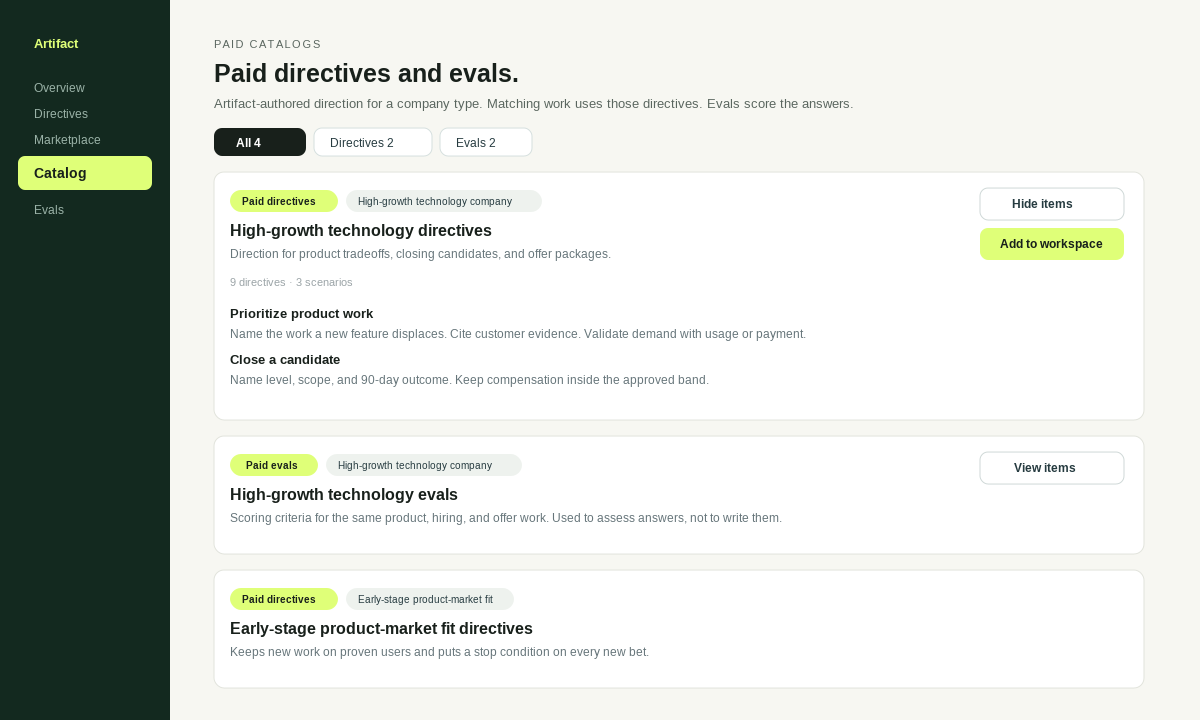
Catalog now sells Artifact-authored directives and evals for a company type, so matching work like feature priority, candidate close, and offer packages is steered and scored from the same playbook.
How to use it
1
Open Catalog and choose a company type, such as High-growth technology company.
2
View the items for prioritizing product work, closing a candidate, or generating an offer, then add the collection to the workspace.
3
Open Evals to add the matching paid evals, then run a quality comparison on one of those topics.