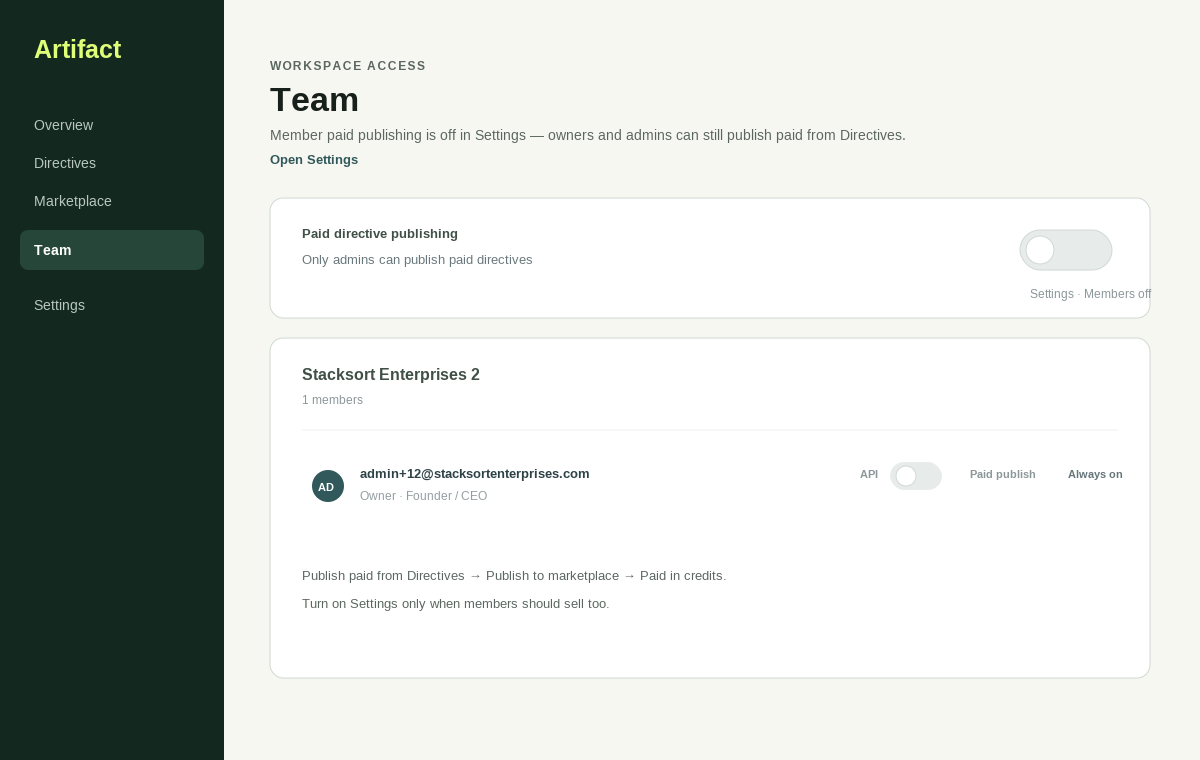
Owners and admins can publish paid directives without flipping a Team switch, and Team now links straight to the Settings control that unlocks members.
How to use it
1
Open Team. If member paid publishing is off, choose Open Settings and turn on Paid directive publishing when you want members to sell.
2
As owner or admin, open a directive, choose Publish to marketplace, and select Paid in credits — you do not need the Team toggle.