Back to changelog
Password recovery
Reset an email password from the sign-in page with a verified-email code, then return directly to the workspace.
How to use it
- 1
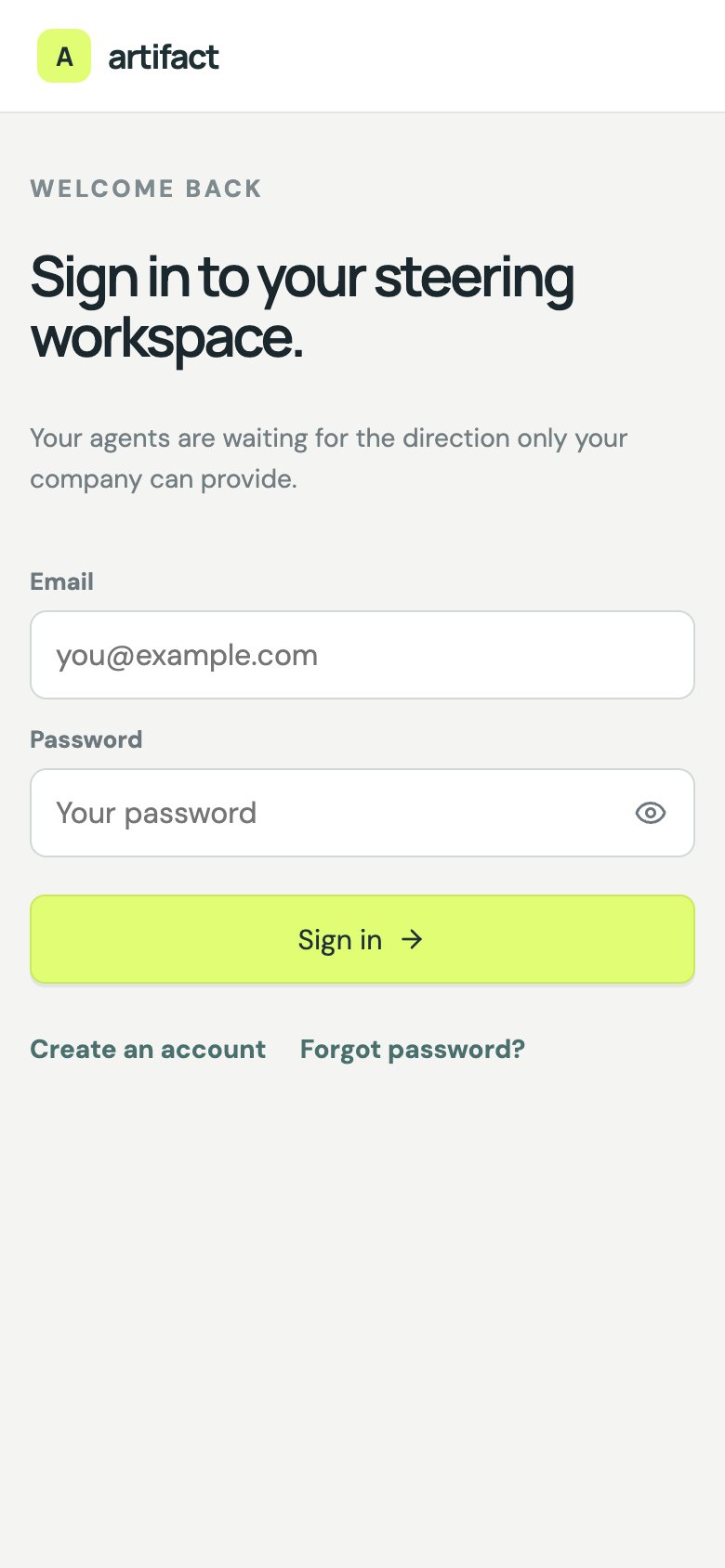
On the Artifact sign-in page, select Forgot password?, enter the account email, and send the reset code.
- 2
Enter the six-digit code from the Artifact email and choose a new password.
- 3
If the code does not arrive, select Resend reset code or Use a different email.