Back to changelog
Paste a screenshot into a new directive
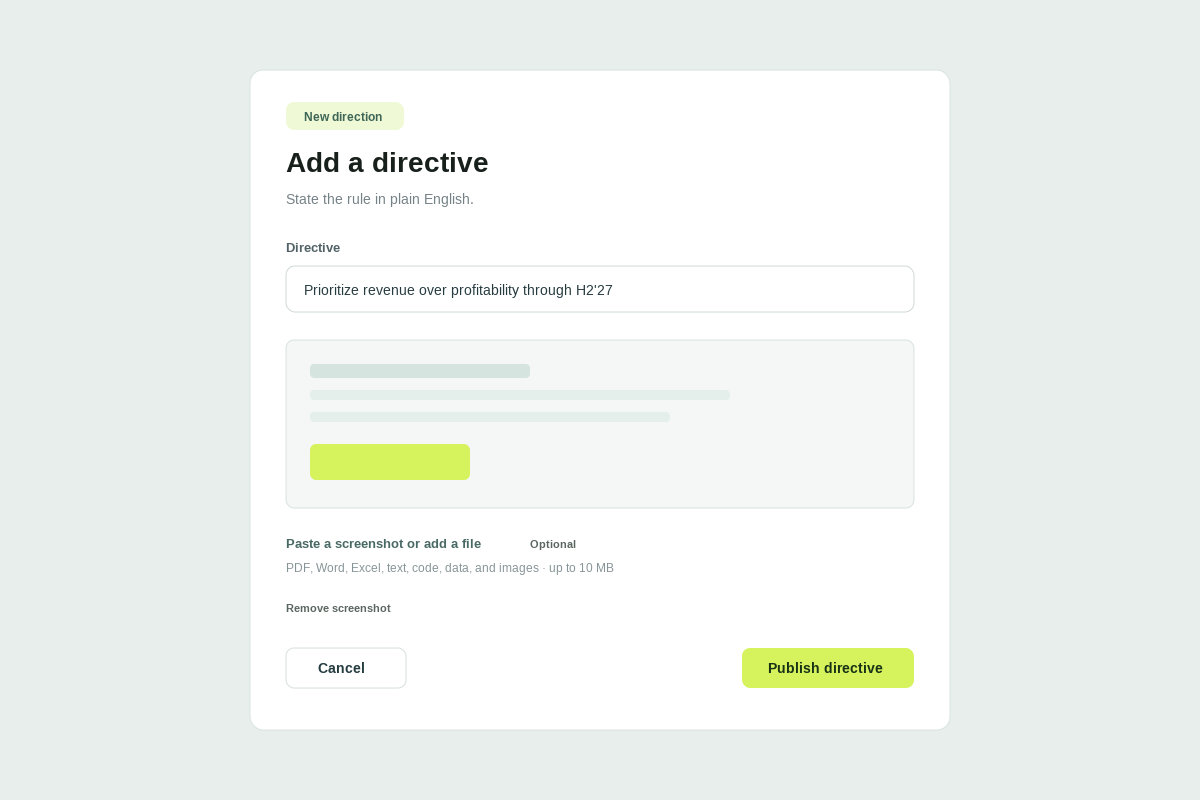
While writing a directive, paste a clipboard screenshot or add a file. The image shows in the dialog and is optional.
How to use it
- 1
Open Directives and choose New directive.
- 2
Copy a screenshot, then paste it into the dialog. Remove it if you do not want it, or publish without one.