Back to changelog
Pause email links work without signing in
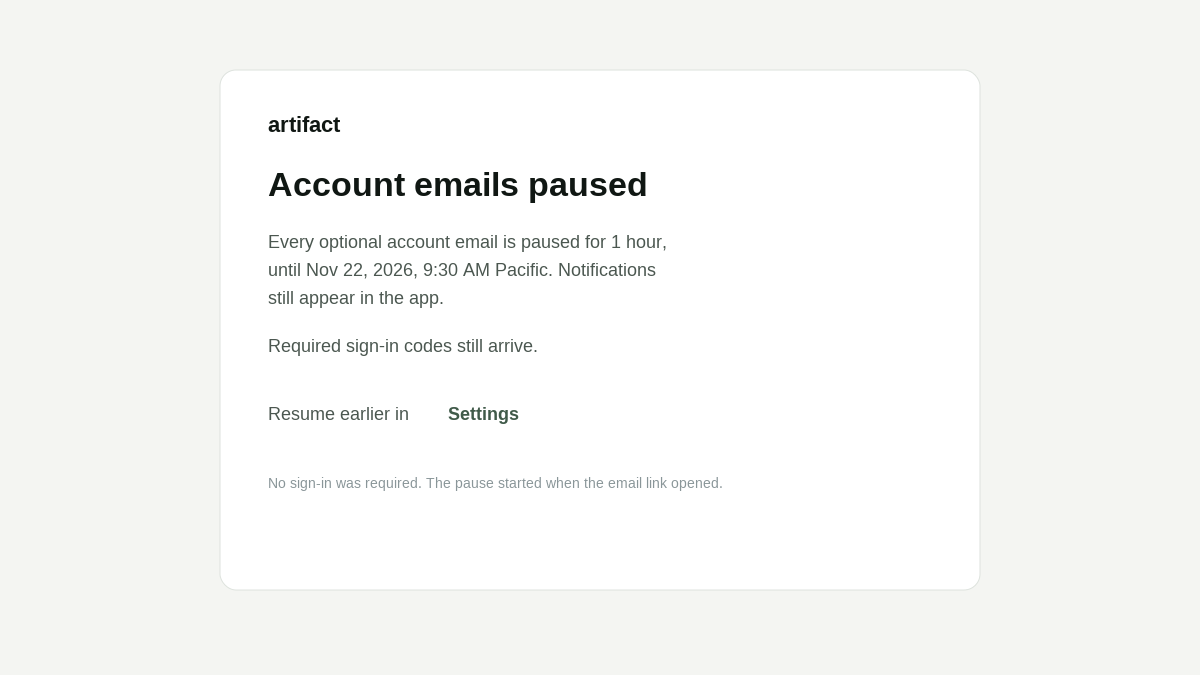
A pause link in an account email now pauses optional mail immediately and shows a confirmation page. You no longer land on Sign in.
How to use it
- 1
In any optional account email, choose 1 hour, 1 day, or 1 week in the footer.
- 2
The page confirms the pause. Sign in only if you want to resume earlier from Settings.