Quick start keeps directive audiences and billing choices
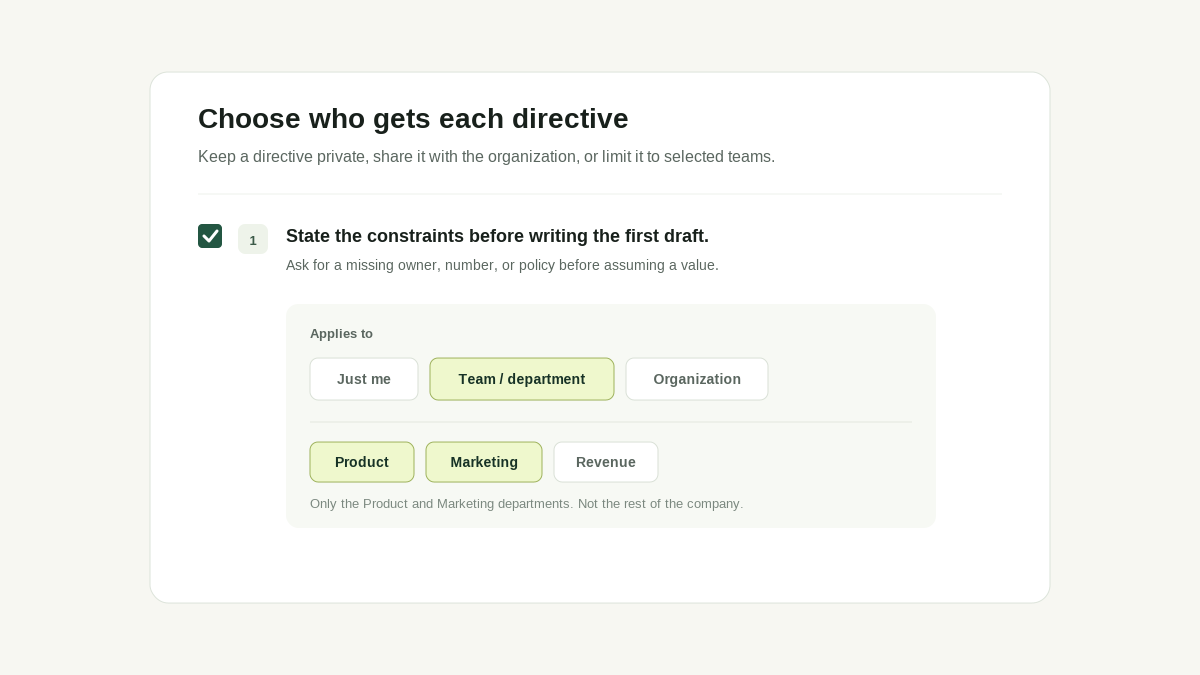
Quick start now lets each directive apply to the person, the organization, or selected teams, and carries the Add a card choice through signup directly into checkout.
How to use it
1
In the Quick start review, keep a directive and choose Just me, Team / department, or Organization under Applies to.
2
For Team / department, choose one or more departments, then continue to create the workspace.
3
If you choose Add a card at checkout, finish signup and Artifact opens checkout automatically.