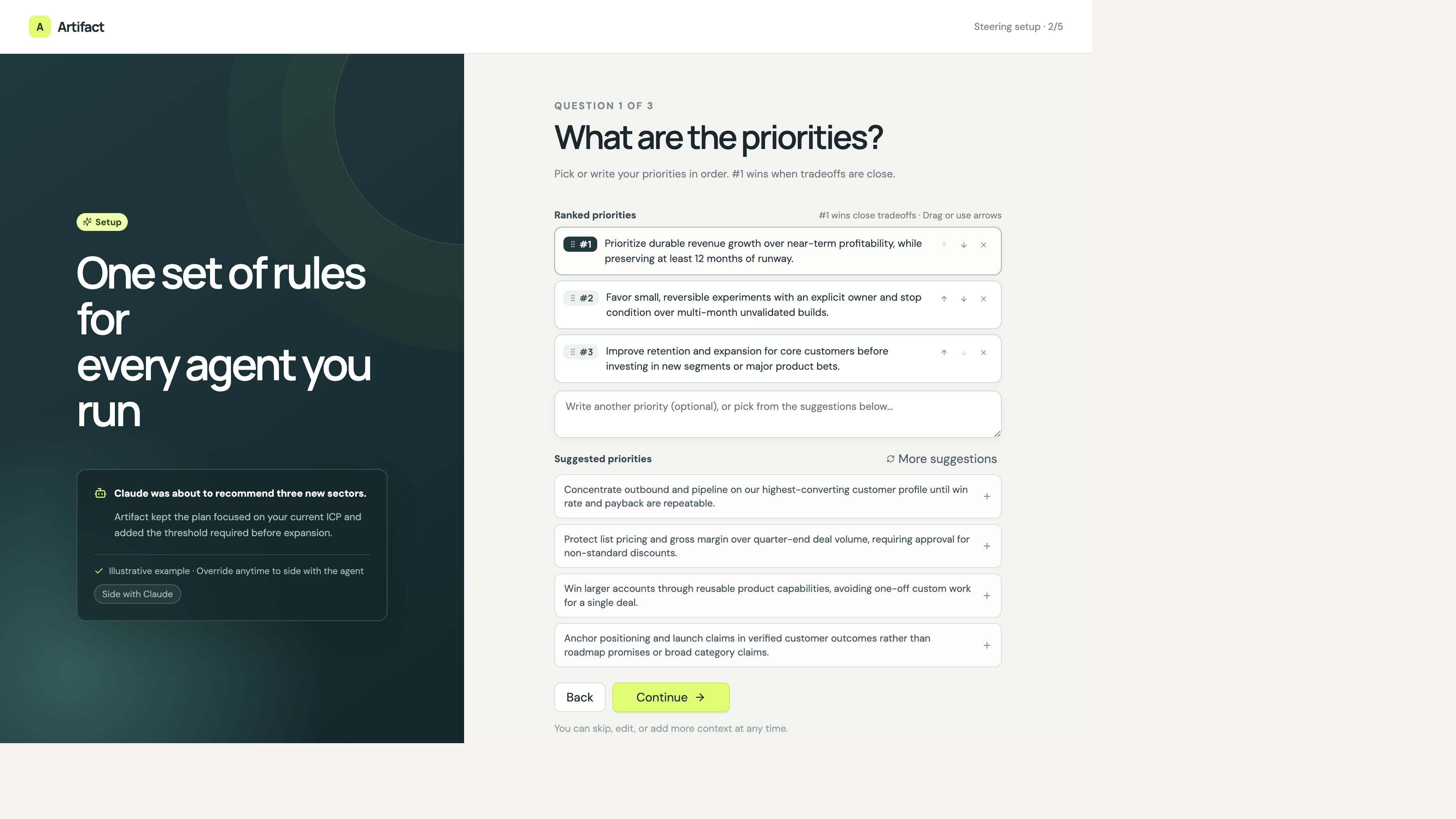
Ranked priorities and live suggestion refresh during workspace setup
Workspace setup now lets you select, write, and rank multiple priorities in order while refreshing suggested priorities as you pick, giving Artifact explicit tradeoff precedence for your directives.
How to use it
1
On Question 1 of 3 during workspace setup, click suggested priorities or type your own and select Add priority to build an ordered list from #1 downward.
2
Drag the rank badge or use the up and down controls to adjust which priority wins close tradeoffs, and select More suggestions whenever you want another set of complementary options.