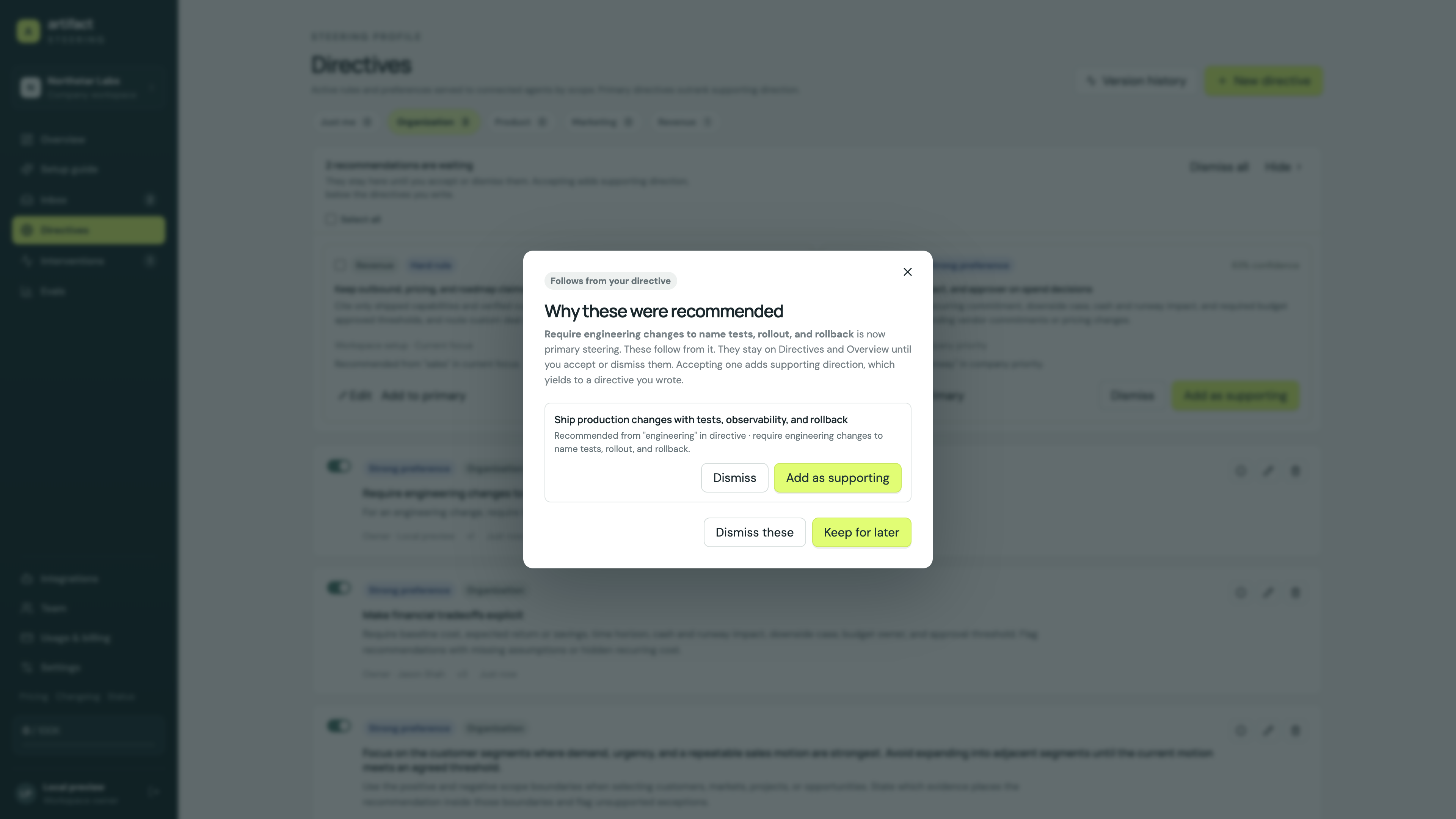
Recommendations stay under the directives you write
After you publish a directive, Artifact explains the recommendations that follow from it, keeps them until you act, and files accepted ones as supporting direction.
How to use it
1
Publish a directive. The next screen names that directive and the recommendations that follow from it. Choose Keep for later, Dismiss these, or Add as supporting.
2
Open Directives any time the recommendations are still waiting. Select several and choose Dismiss selected, or Dismiss all. Add one as supporting when it should apply without sitting beside the directives you wrote. Use Promote to primary when it should.