Back to changelog
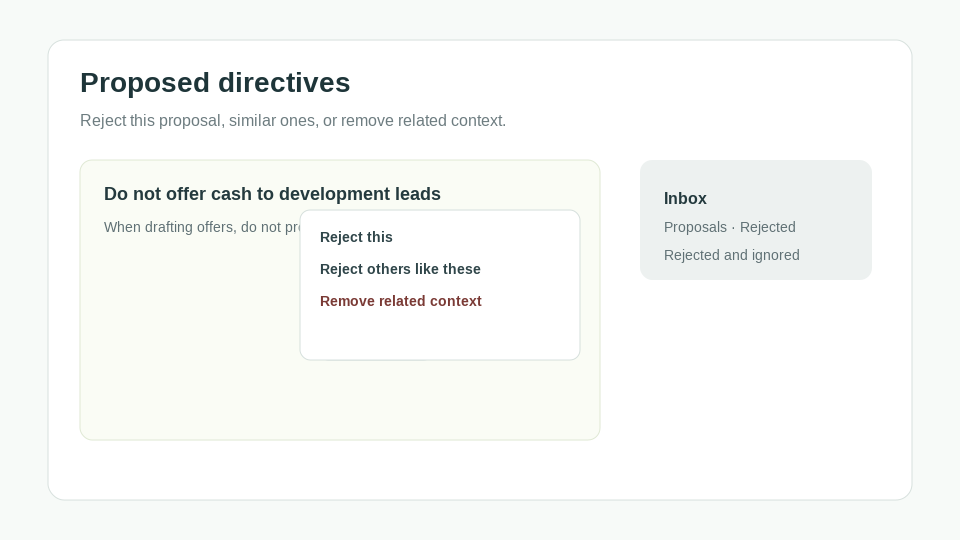
Reject similar proposals and review ignored ones
Rejecting a proposed directive can clear similar ones, remove related source context so they do not return, and keep a history under Inbox → Rejected.
How to use it
- 1
Open Inbox → Proposals and choose Reject on a proposed directive.
- 2
Pick Reject others like these, or Reject all like this and remove related context, then open Inbox → Rejected to confirm the history.