Back to changelog
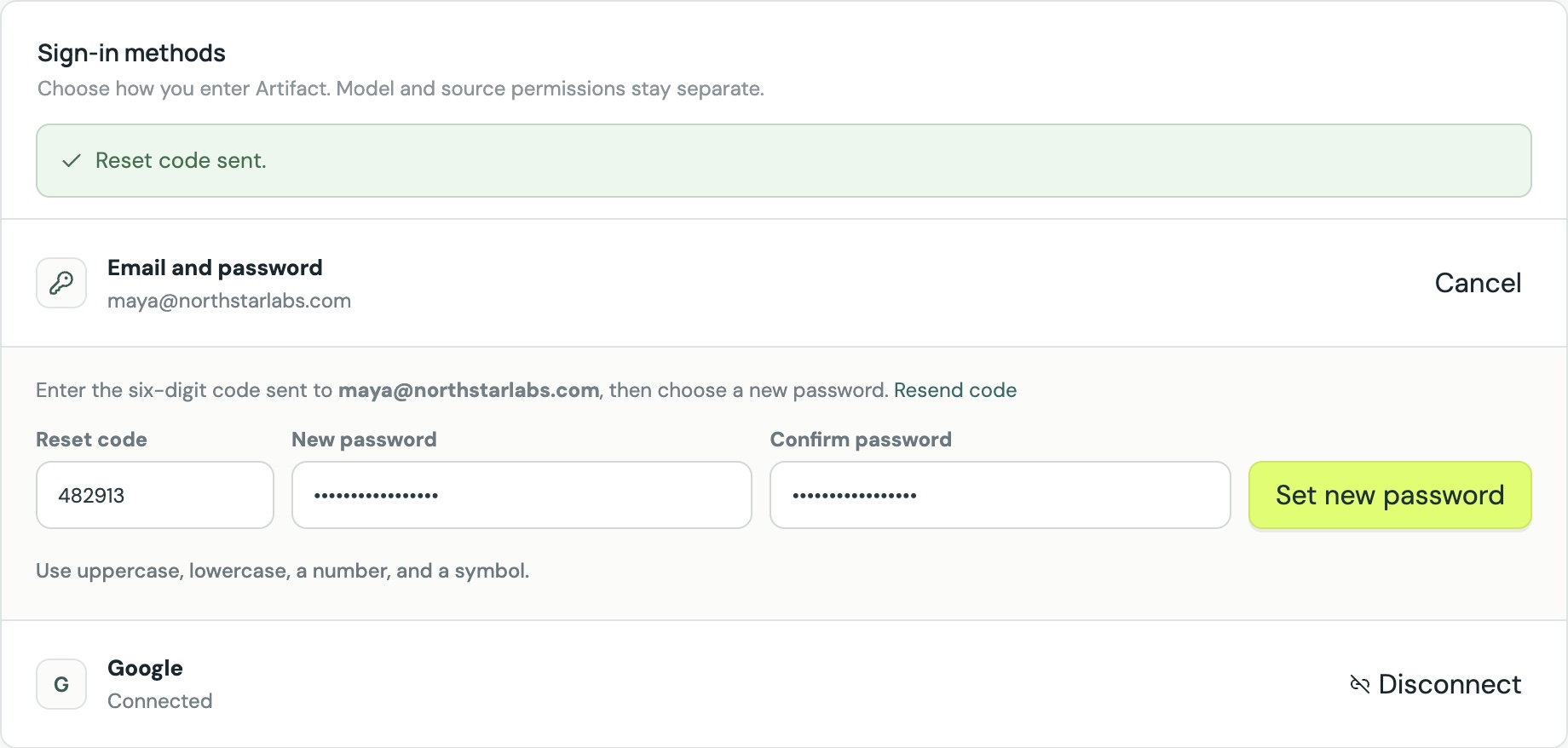
Reset your password from Settings
Accounts with email and password sign-in can reset the password from Settings without signing out.
How to use it
- 1
Open Settings. Under Sign-in methods, select Reset password on the Email and password row.
- 2
Check your email for the six-digit code. Enter the code and a new password twice, then select Set new password.