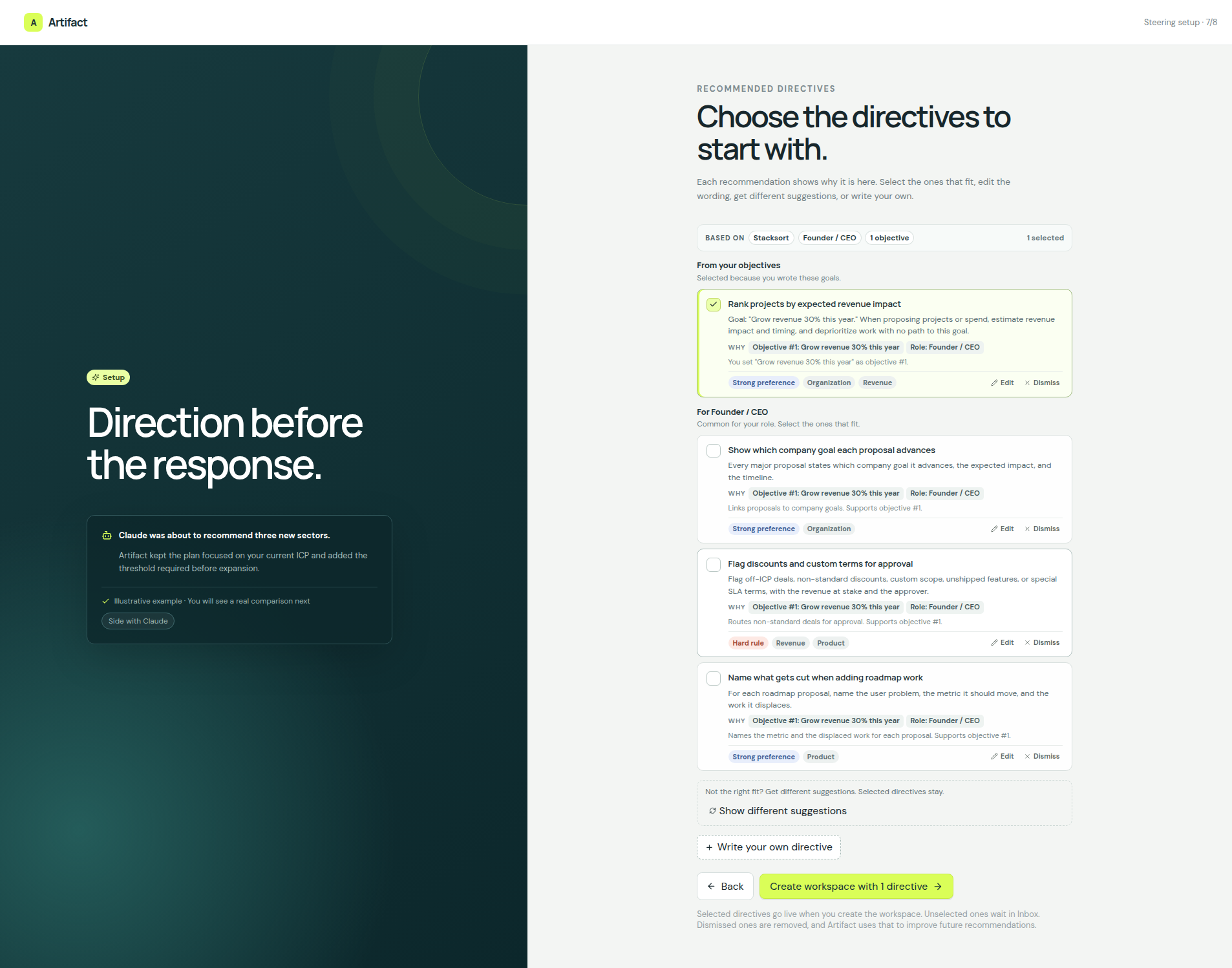
Workspace setup now asks for your role and objectives first, then recommends directives on their own screen and explains why each one fits.
How to use it
1
Start workspace setup, enter your company, and pick the role closest to yours.
2
Add one or more objectives, or start from a template and edit the numbers.
3
On Recommended directives, read the Why line on each card, select the ones that fit, and use Show different suggestions or Write your own directive as needed.
4
Create the workspace. Selected directives go live, and unselected ones wait in Inbox.