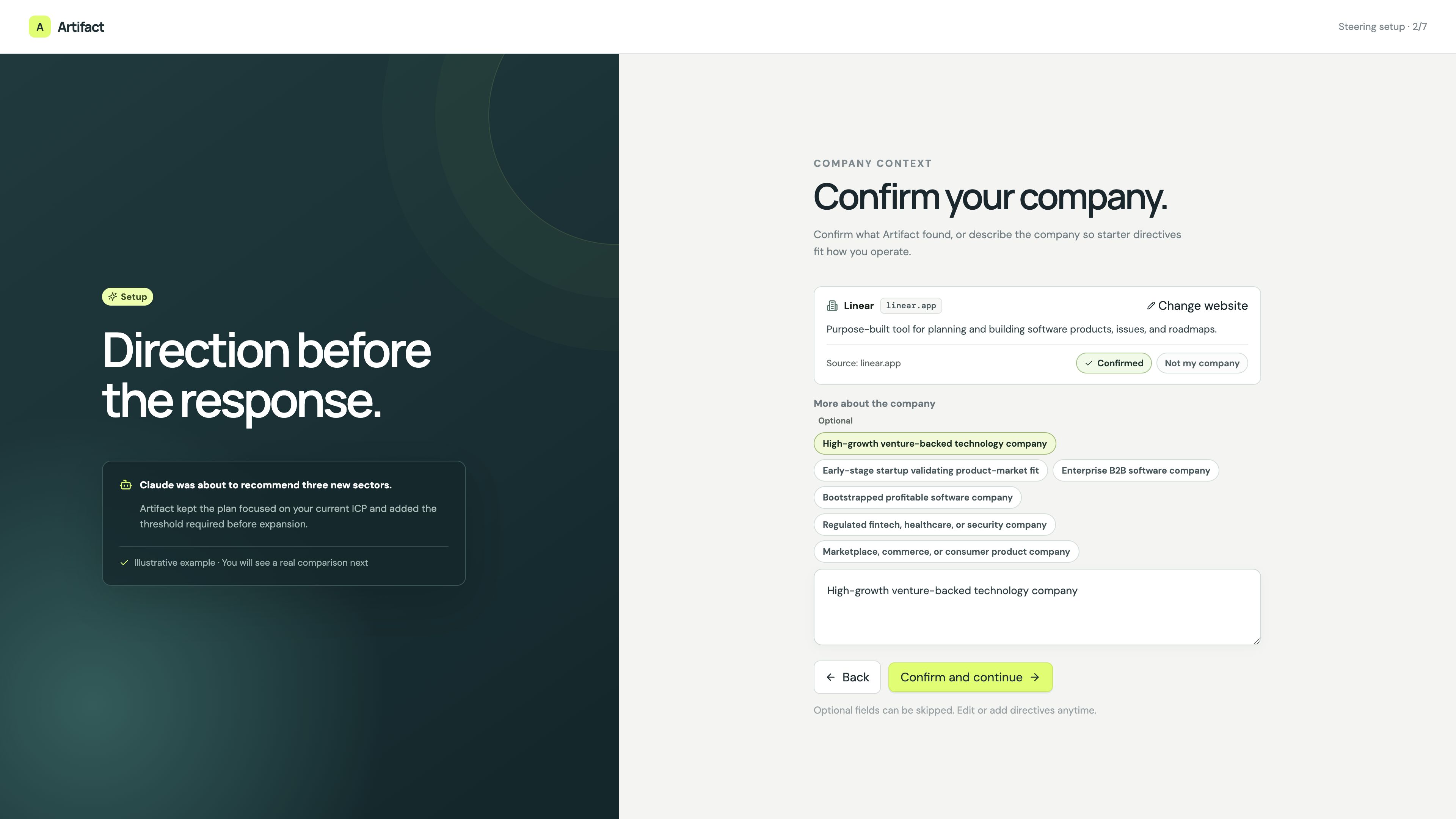
Role-based starter directives and company lookup across setup and Directives
Autocomplete and confirm your company from your work domain, capture company stage and your job title, and tee up tailored starter directives during setup or inside Directives—even before company-wide priorities are settled.
How to use it
1
In Steering setup—or anytime in Directives → Role & company—enter or select your company, confirm the public company summary, and optionally pick a company profile such as High-growth venture-backed technology company.
2
Select or type your role (such as Product manager, Engineer, Designer, Analyst, or CFO / Finance) to immediately review and add teed-up starter directives without needing a settled priority first.