Back to changelog
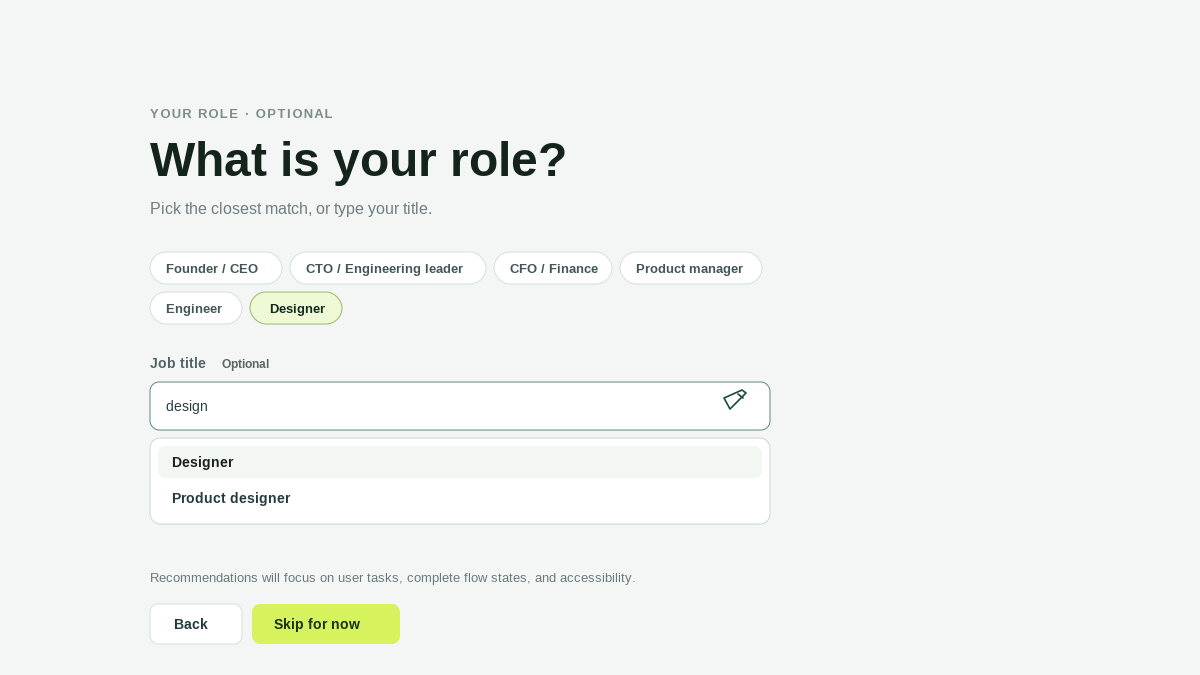
Role step suggests a job title
During workspace setup, the role step is shorter, suggests job titles as you type, and still accepts any title you enter.
How to use it
- 1
During workspace setup, open What is your role. Choose a role chip, or start typing and pick a suggestion.
- 2
To use a title that is not listed, type it and continue. Leave the field blank and choose Skip for now for general recommendations.