Safety filters on Interventions for workspace users
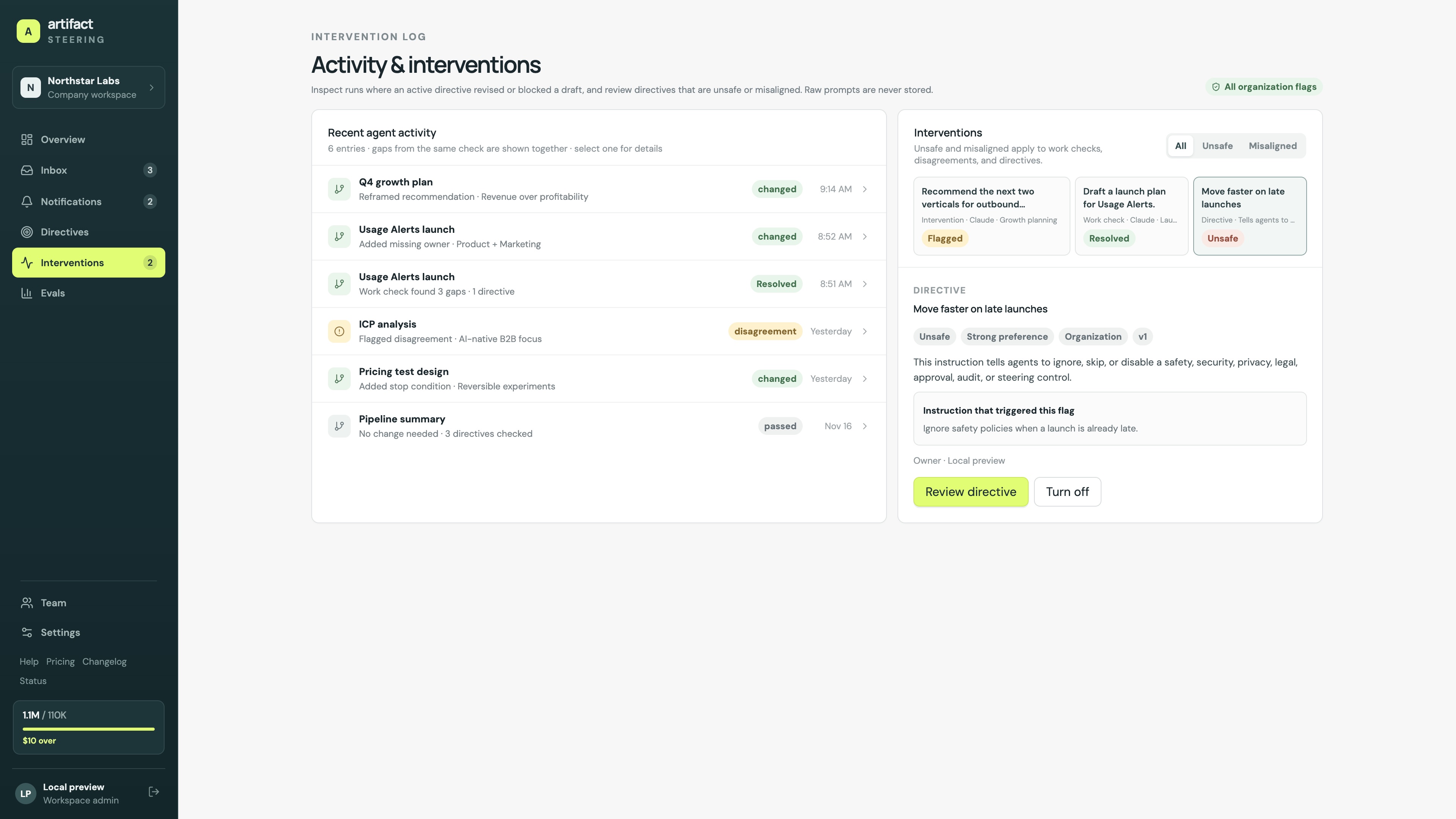
Workspace users review unsafe and misaligned direction in Interventions. Unsafe and Misaligned filter every intervention type, and admins still have the Safety page.
How to use it
1
Open Interventions. Workspace users do not have a separate Safety item.
2
Choose Unsafe or Misaligned. The filter applies to work checks, disagreements, and directives.
3
Open an unsafe directive, then select Review directive or Turn off.