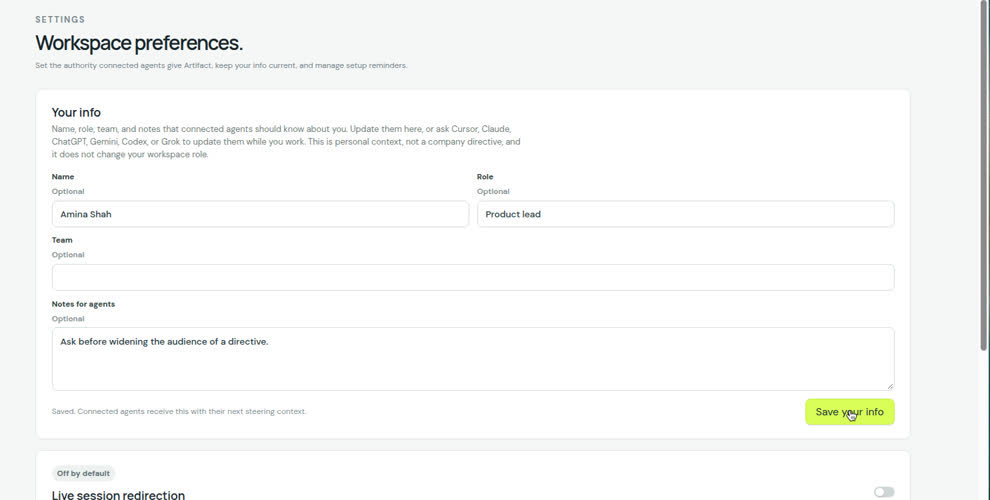
Cursor, Claude, ChatGPT, Gemini, Codex, Grok, and other connected clients can add or update a directive and keep your info current without leaving the work.
How to use it
1
Open Settings and save your name, role, team, or notes. Leave any field blank.
2
In Cursor, Claude, ChatGPT, Gemini, Codex, or Grok, ask the agent to save a directive or update your info.
3
Return to Directives or Settings to see the version it saved.