Back to changelog
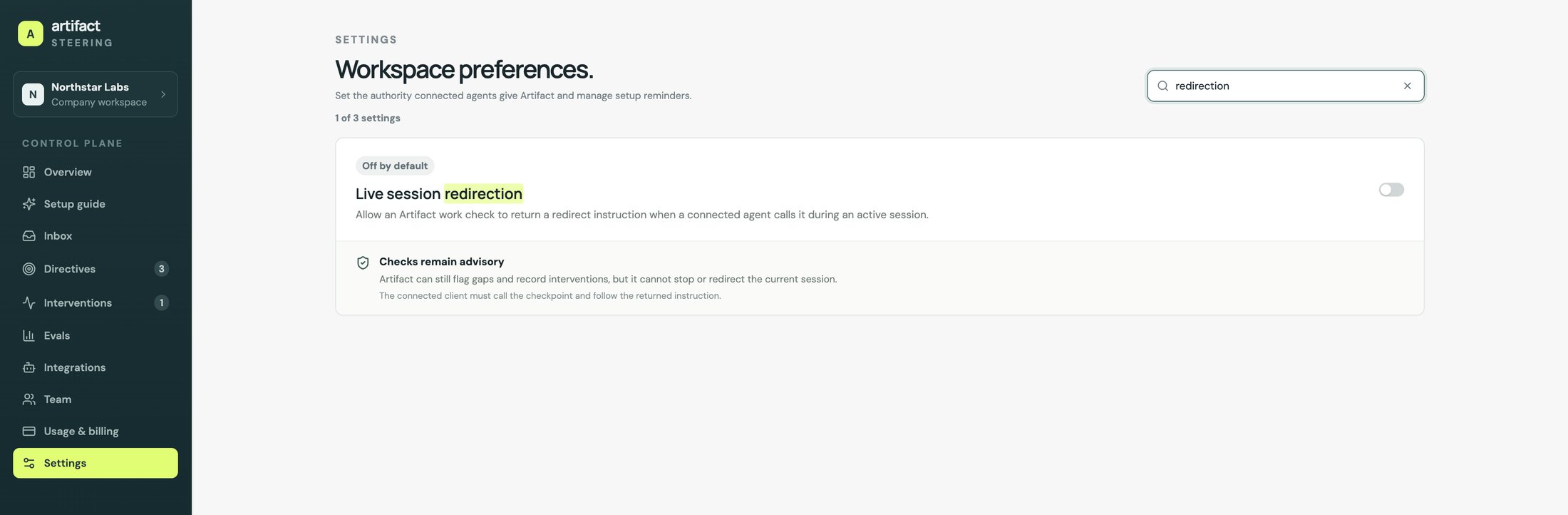
Search workspace settings
Settings search finds a preference or setup step and hides the ones that do not match.
How to use it
- 1
Open Settings.
- 2
Search for a setting, such as redirection, personal agents, or billing.
- 3
Change the matching setting, or clear the search to see every preference.