Back to changelog
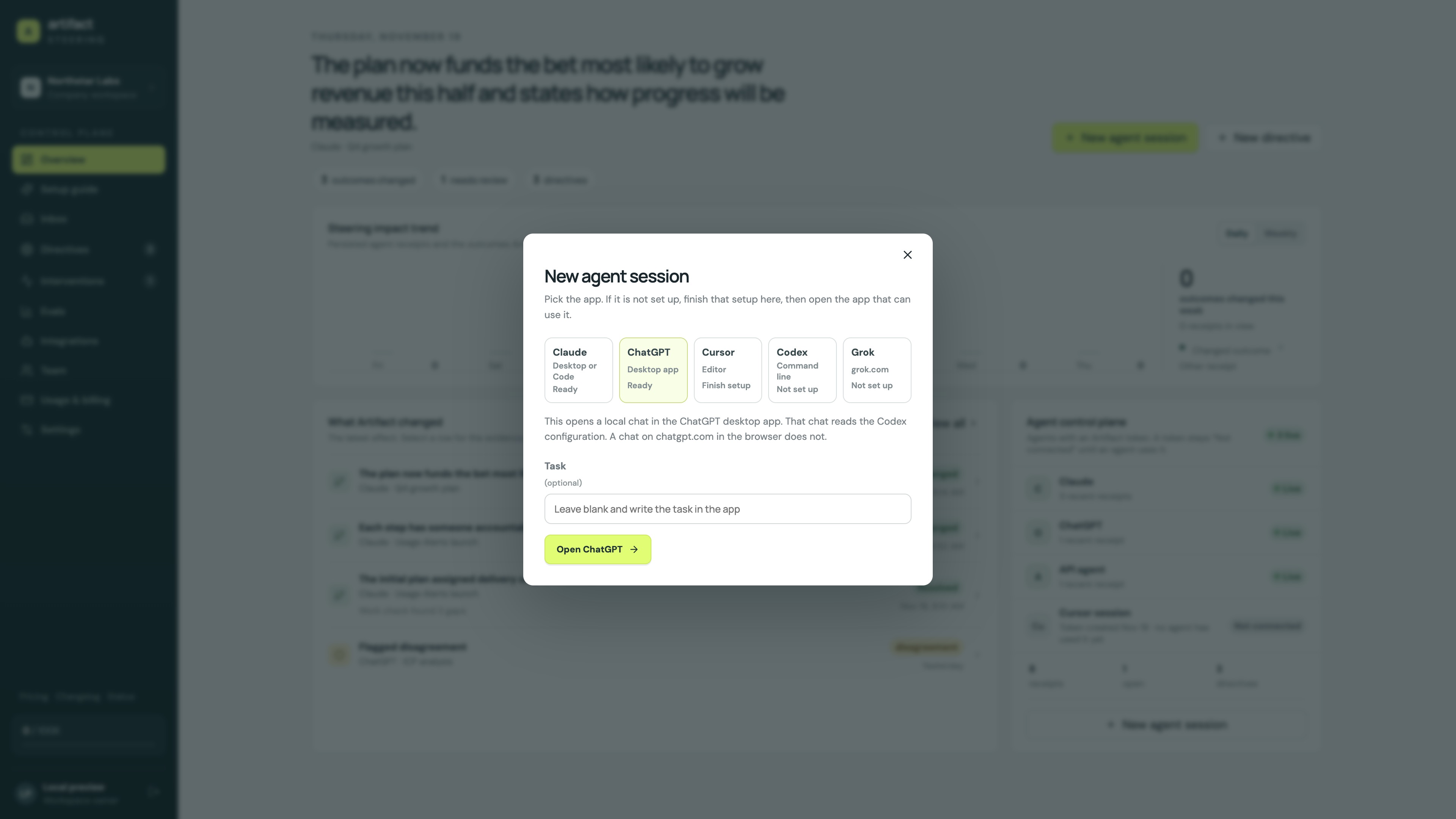
See the effect, then start a session
Overview leads with the latest effect of steering, and New agent session opens Claude, ChatGPT, Cursor, Codex, or Grok after that app is set up.
How to use it
- 1
On Overview, choose New agent session and pick Claude, ChatGPT, Cursor, Codex, or Grok.
- 2
If it says Not set up, create a token and install it. Then open the app. Nothing is sent until you submit the prompt.
- 3
Read the headline for the latest effect. Select a row to see what changed and why.