Back to changelog
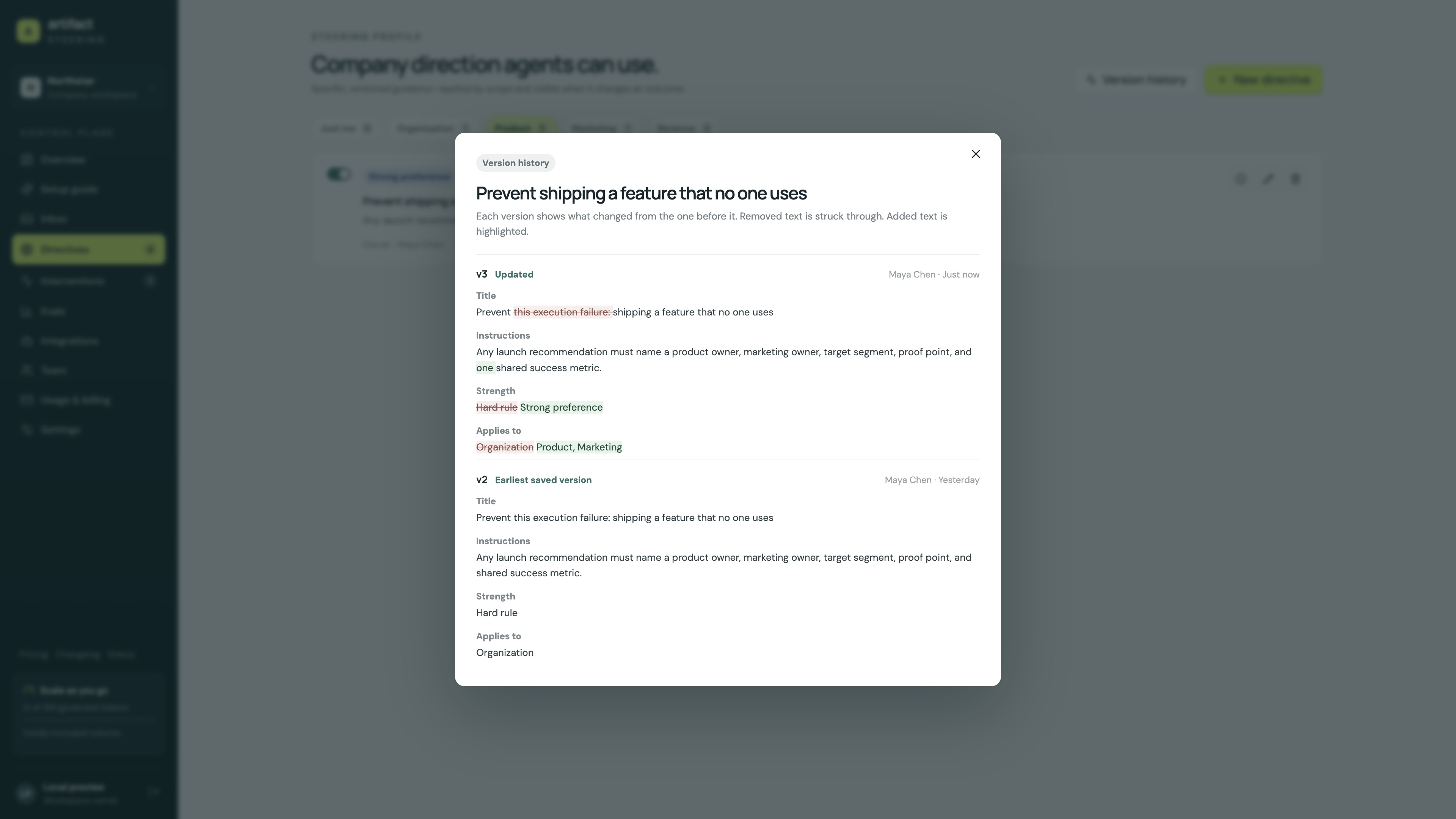
See what changed in each directive version
Each directive now has an info icon that opens version 1 and every later version, including the exact text that changed.
How to use it
- 1
Open Directives and select the info icon on a directive.
- 2
Read the latest version, then the earlier versions, to see the wording, strength, and audience that changed.