Back to changelog
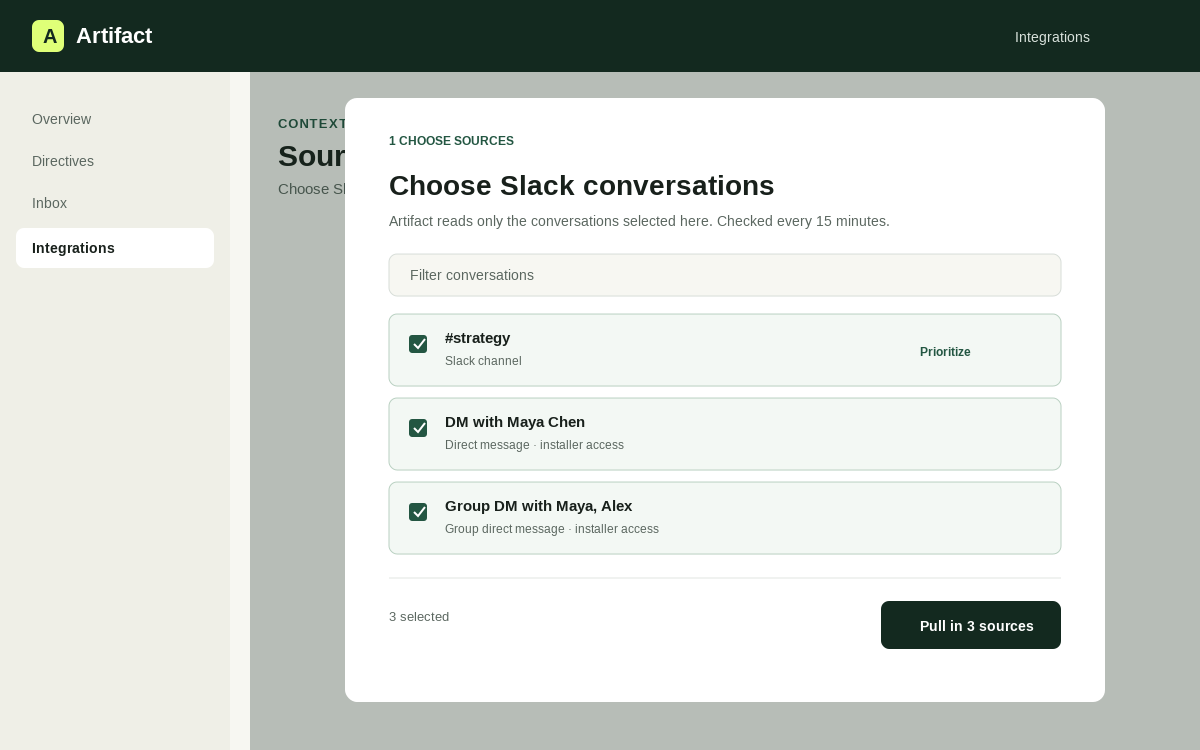
Selected Slack conversations as context
Workspace admins can connect Slack and choose specific channels, direct messages, or group direct messages for Artifact to use as directive context.
How to use it
- 1
Open Integrations, connect Slack, and approve the requested read-only access.
- 2
Choose the channels or direct messages Artifact may read, set any priority sources, then pull in context.