Back to changelog
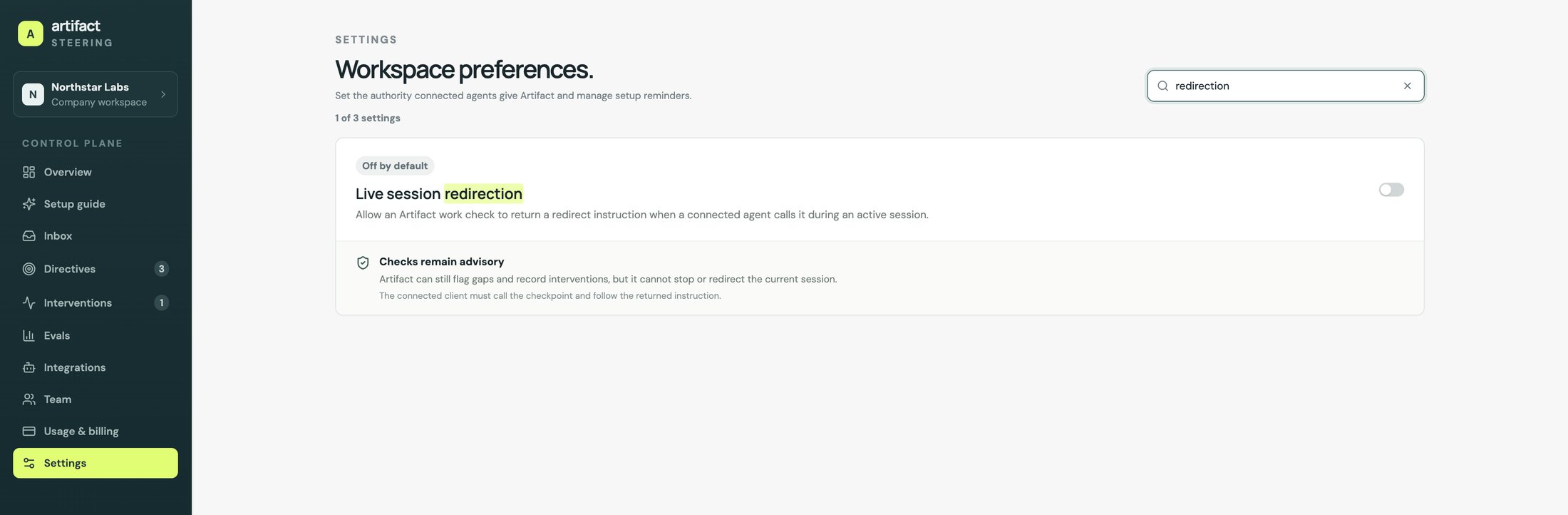
Settings cards keep one clean inset
Account, steering, billing, and notification settings now keep headings, controls, states, and actions aligned at desktop and narrow widths.
How to use it
- 1
Open Settings and move through Account, Steering & agents, Billing & API, and Notifications & data.
- 2
Narrow the window and confirm fields and metadata wrap while primary and secondary actions stay compact inside each card.