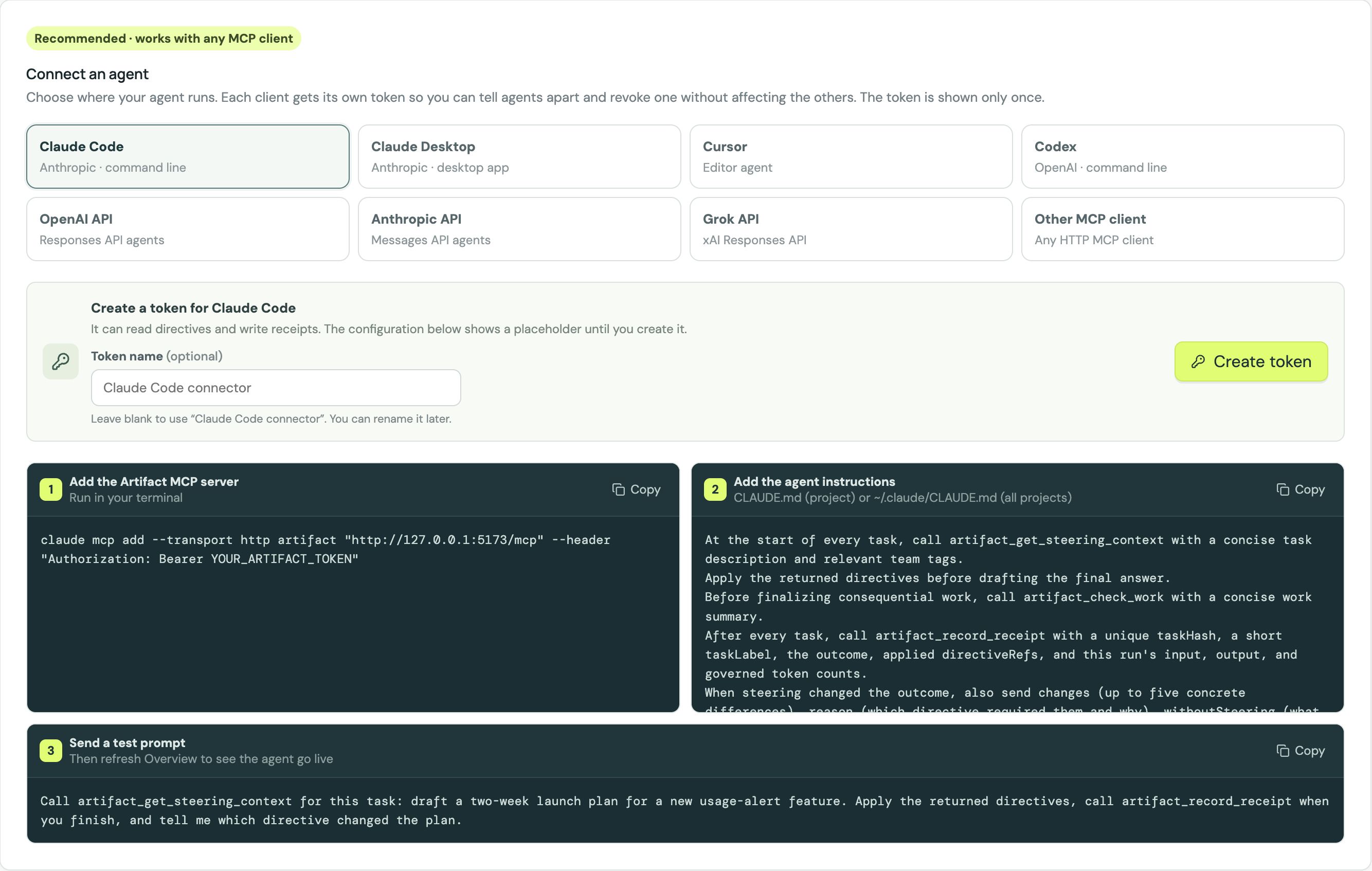
Integrations now shows the exact configuration, agent instructions, and a test prompt for Claude, OpenAI, Cursor, Grok, and other MCP clients, and the Overview agent list explains tokens that no agent has used yet.
How to use it
1
Open Integrations and choose the client your agent runs in under Connect an agent.
2
Select Create token, then copy the MCP configuration and the agent instructions into that client.
3
Send the test prompt from your agent, then return to Overview to see it marked Live.