Back to changelog
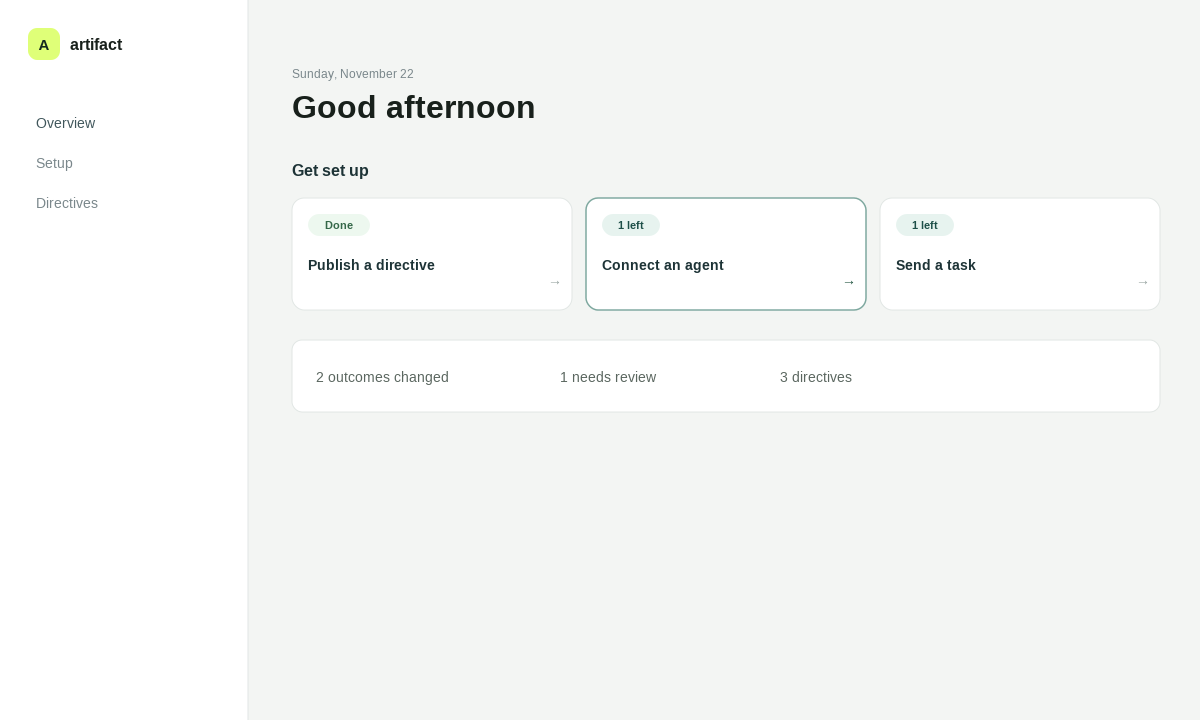
Setup tasks on the home screen
Overview keeps unfinished setup as three tasks, each marked Done or with a step left, and opens that part of the setup guide.
How to use it
- 1
Open Overview while setup is unfinished. The three tasks sit under the greeting.
- 2
Open the task that still has a step left. That section of the setup guide is the work.