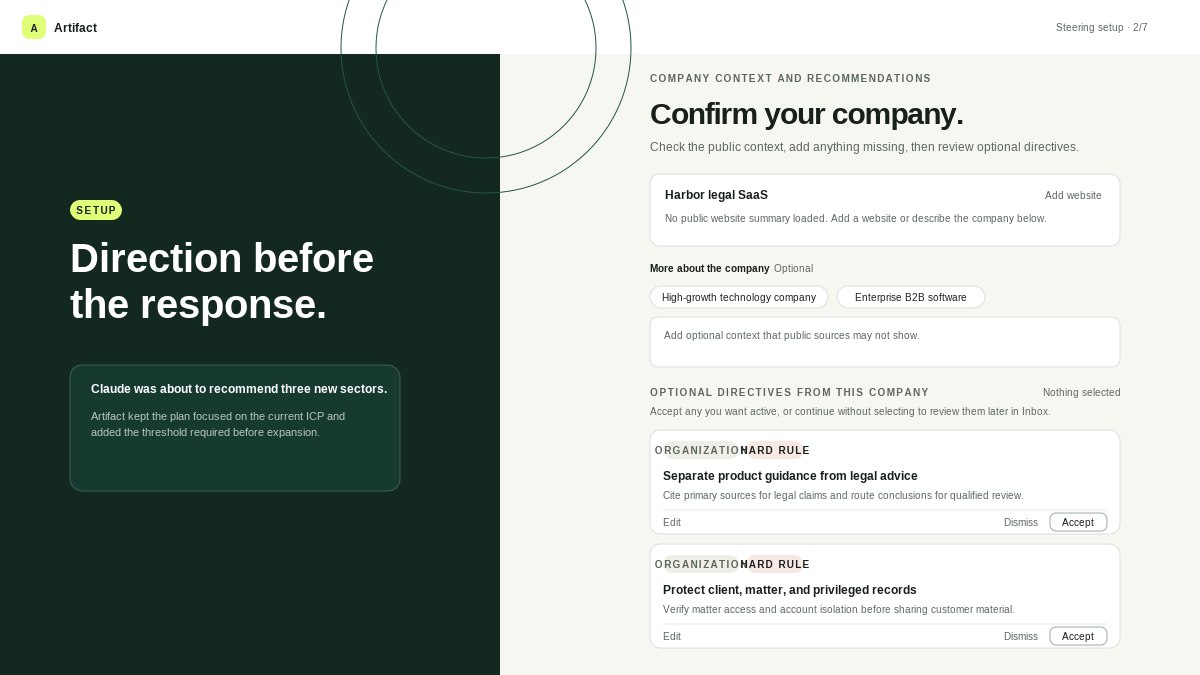
Simpler onboarding, clearer starter selection, and email-only verification codes
Onboarding now supports multi-select AI tools and a cleaner whole-card directive picker, Setup distinguishes already-active starters from queued selections, and verification codes stay strictly in your email inbox.
How to use it
1
On onboarding step 2, click one or more AI tools under Where do you use AI most? (or click again to deselect and skip).
2
On step 3, click anywhere on a recommended directive card to select or deselect it, or use Edit and Dismiss on the card footer.
3
In Setup → Add starter directives, already-active starters show a muted active state while only unpublished picks highlight to match the Publish button.