Back to changelog
Simpler workspace navigation
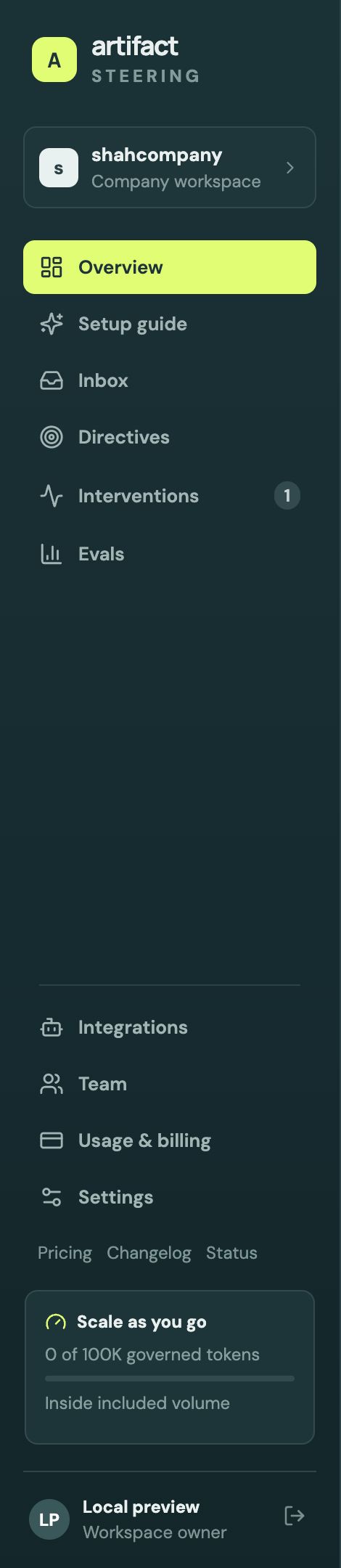
The sidebar separates daily work from workspace administration, and counts appear only where something needs review.
How to use it
- 1
Use the top group for daily review: Inbox for proposed directives, Interventions for open checks.
- 2
Use the bottom group to manage integrations, people, billing, and settings.
- 3
After setup is complete, open Settings to return to the Setup guide.