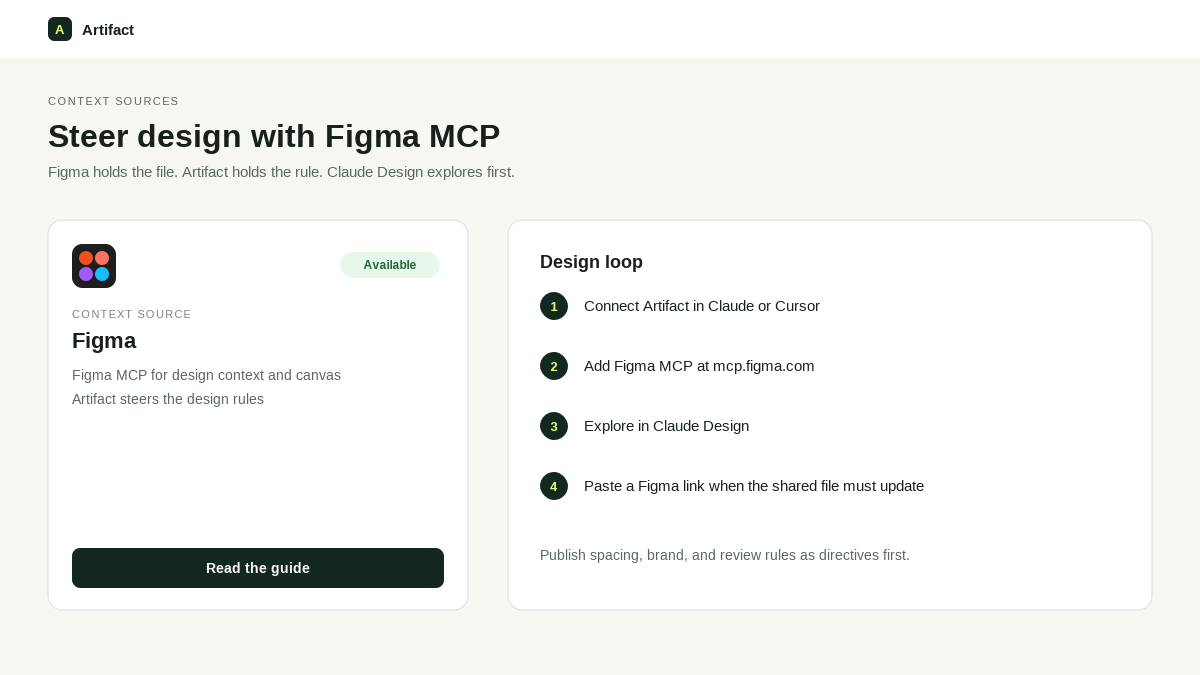
Figma is a specialized agent you can inform: connect Artifact in the Figma agent and Figma Make so designs follow company rules. Figma MCP stays available as a context source in Claude and Cursor.
How to use it
1
Open Integrations → Specialized agents → Figma, create a token, and add Artifact as a custom MCP connector in the Figma agent or Figma Make.
2
Publish design directives, then ask the Figma agent for a screen that must follow them.
3
Optionally add Figma MCP in Claude or Cursor for selection-link context, and read the Claude Design blog for the full loop.