Back to changelog
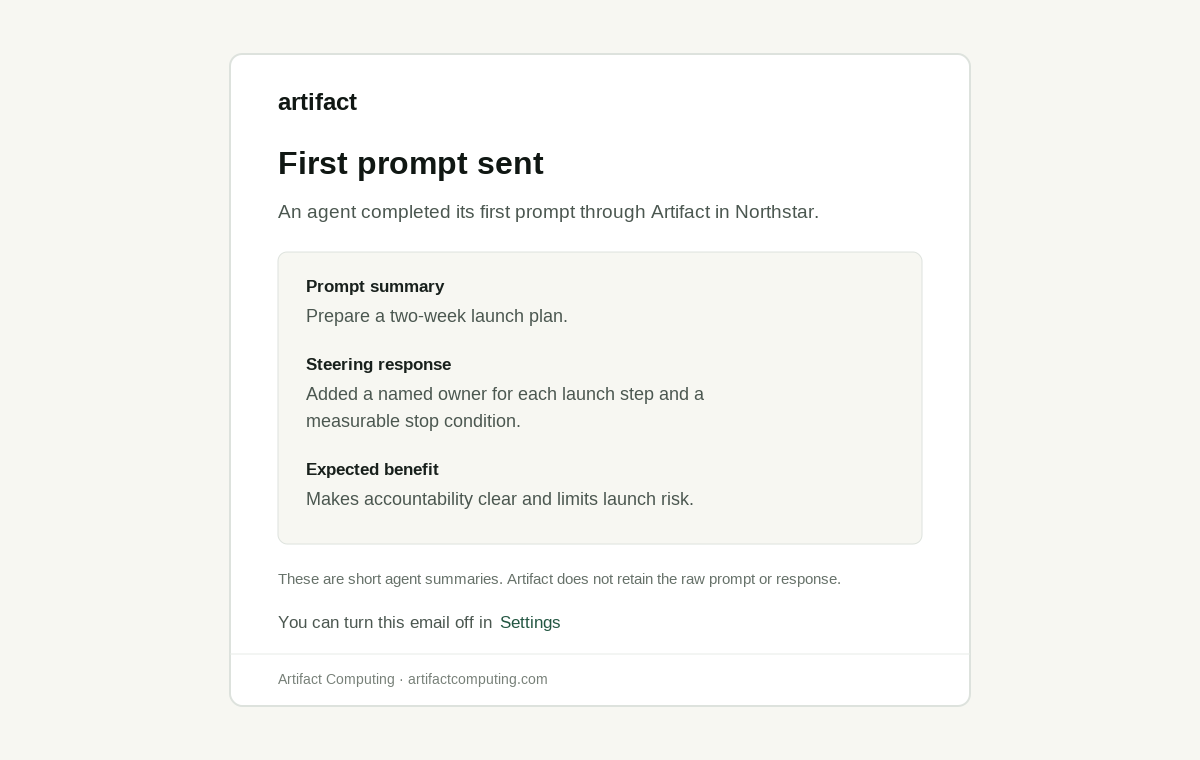
Steering details in first-prompt emails
The first-prompt email now shows a short prompt summary, how Artifact shaped the response, and the expected benefit.
How to use it
- 1
Connect an agent and complete its first task with Artifact steering.
- 2
Open the first-prompt email to review the prompt summary, steering response, and expected benefit.