Back to changelog
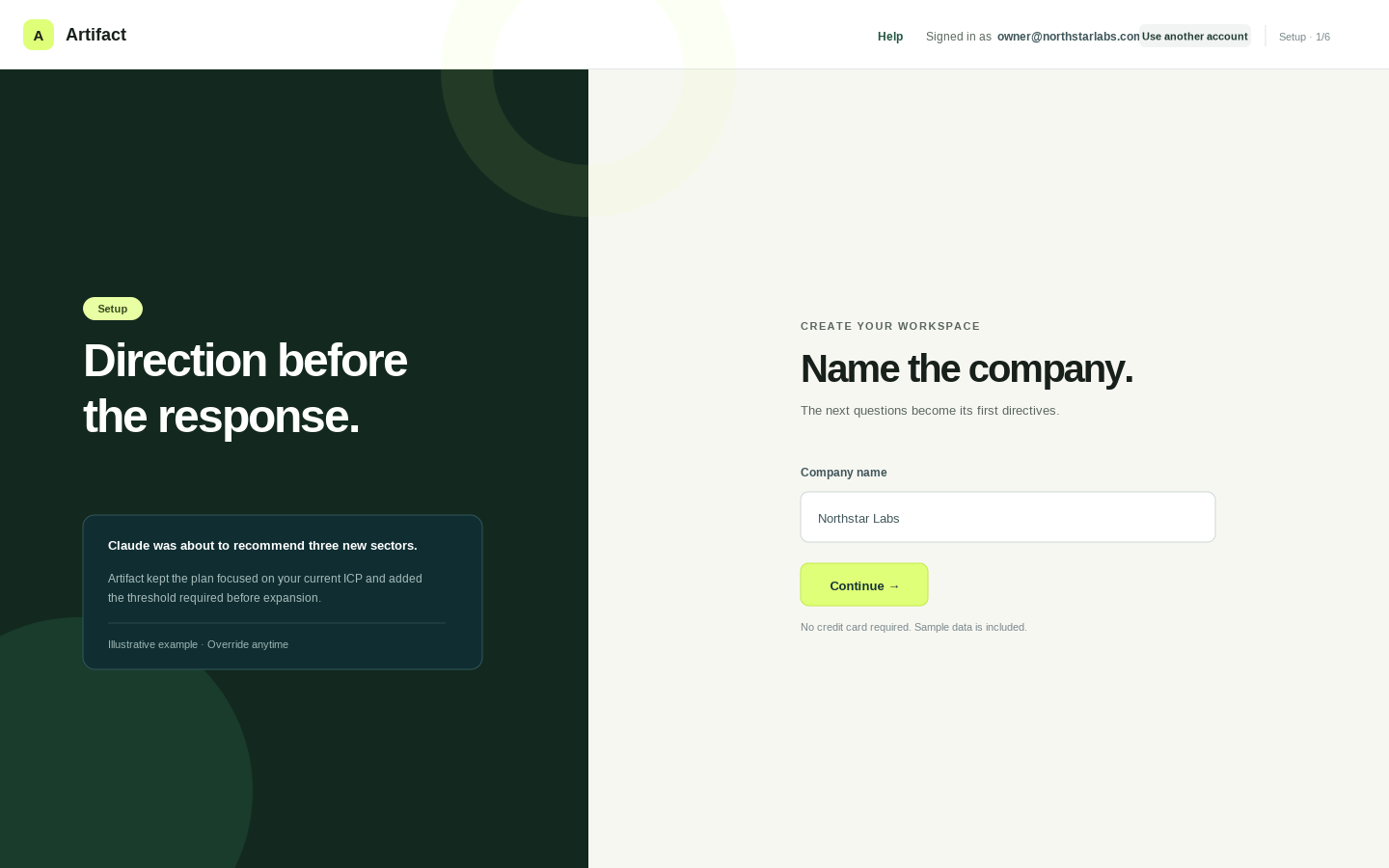
Switch accounts during setup
Company setup now identifies the active account and provides a direct way to leave it before creating the workspace.
How to use it
- 1
During company setup, check the signed-in email in the top-right corner.
- 2
Choose Use another account to sign out, then sign in or create an account with a different email.