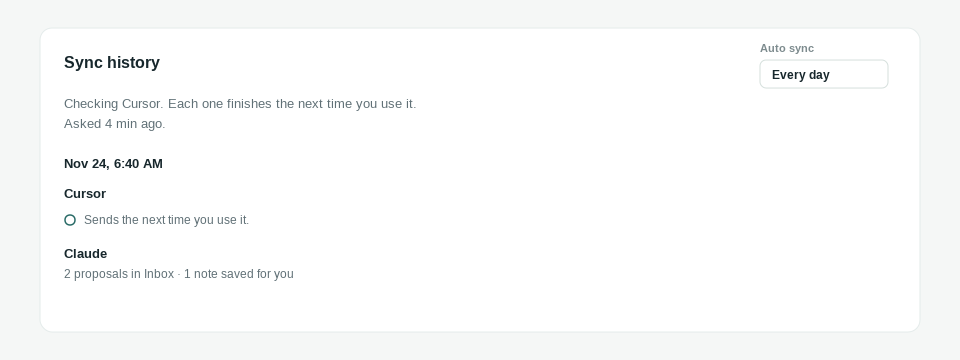
Sync latest explains the click, shows a spinner while each client is still working, and fills in that client's proposals as soon as they arrive. Auto sync runs every day unless you choose a shorter interval or turn it off.
How to use it
1
Open Directives and hover the info icon beside Sync latest to read what the click does.
2
After you sync, watch each client. A spinner means it finishes the next time you use that client. The row fills in when that client sends its work. Change Auto sync if you want it more often than every day.