Back to changelog
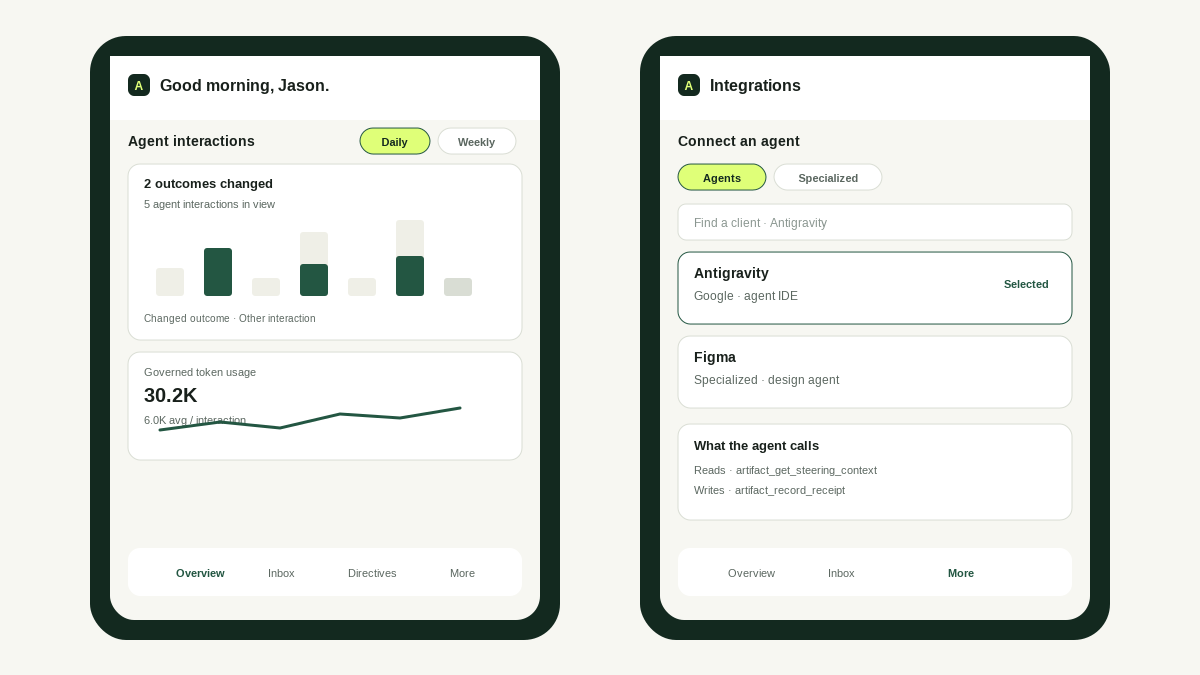
System, Light, and Dark appearance on iPhone and Android
The iOS and Android apps now support System, Light, and Dark appearance in Settings with recalibrated dark surfaces that persist on each device.
How to use it
- 1
Open Settings → Account in the iOS or Android app.
- 2
Choose System, Light, or Dark under Appearance.
- 3
Reopen the app to confirm your appearance choice stays saved on that device.