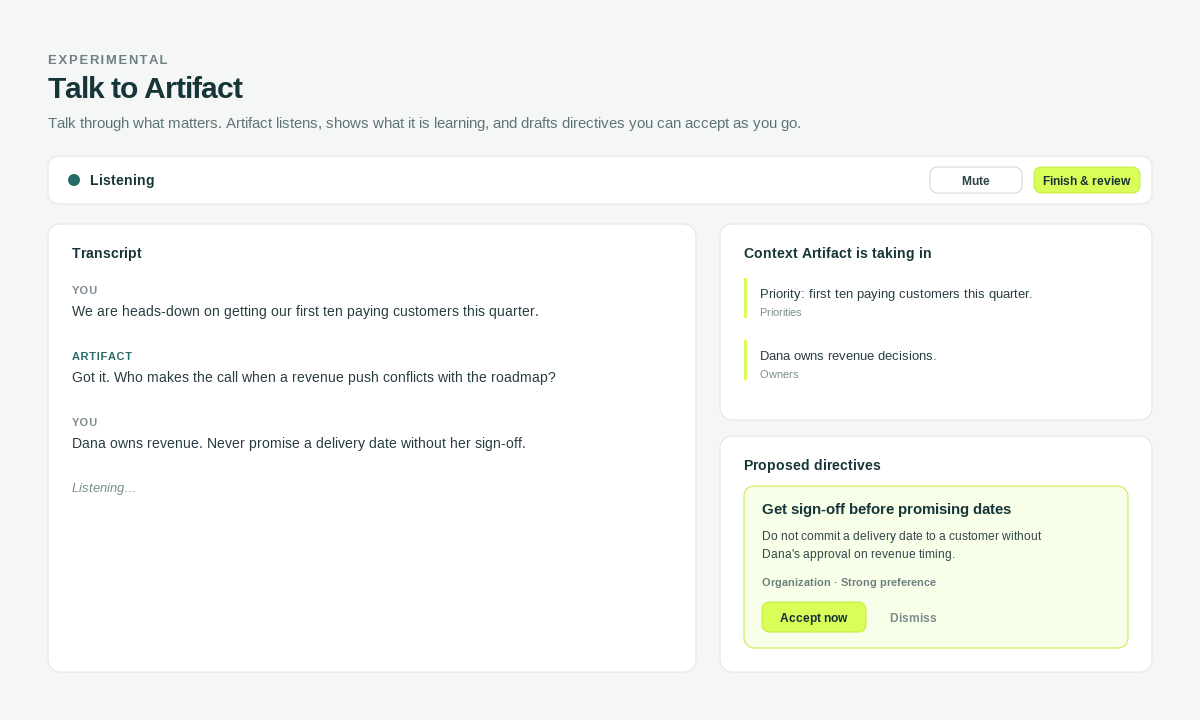
Talk to Artifact: steer by voice, with live drafts
A new voice interviewer lets you talk through what matters for your business. Artifact asks short clarifying questions, shows the context it is taking in, and drafts directives you can accept as you speak. Typing still works alongside it.
How to use it
1
Open Talk to Artifact from the sidebar, the Directives More menu, or the setup guide.
2
Choose Have a conversation or Leave a voice note, allow your mic, and talk through your priorities.
3
Accept a drafted directive as you go, then Finish and review to save context and send the rest to the inbox.