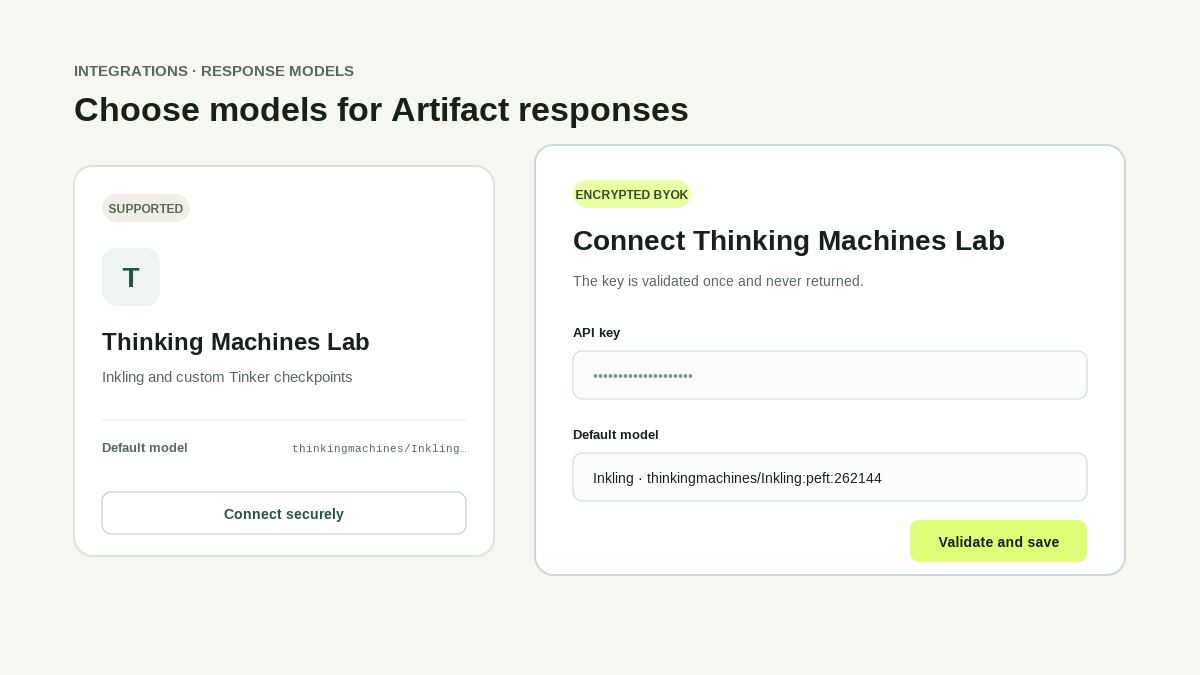
Thinking Machines Lab models for Artifact responses
Workspace admins can connect a Thinking Machines Lab Tinker key and use Inkling or an exact custom Tinker model or checkpoint for Artifact drafts, previews, and evaluations.
How to use it
1
Open Integrations → Response models as a workspace owner or admin.
2
Choose Thinking Machines Lab, paste a Tinker API key, and select Inkling or enter an exact custom model or checkpoint ID.
3
Validate and save, then choose the connected provider for an in-app preview or evaluation.