Back to changelog
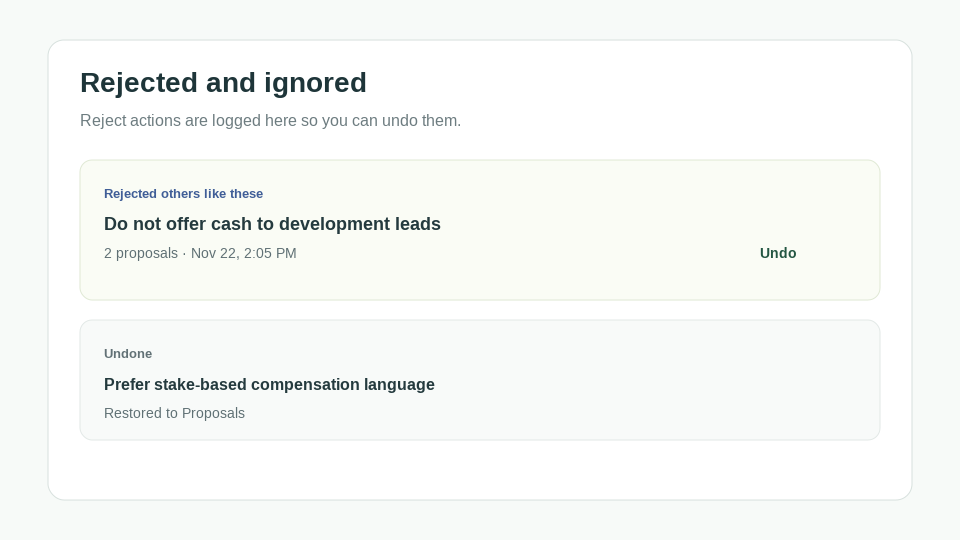
Undo reject actions from Inbox Rejected
Inbox → Rejected now logs each reject and ignore action and lets you undo one to restore proposals to the inbox.
How to use it
- 1
Open Inbox → Proposals and reject a proposed directive.
- 2
Open Inbox → Rejected, find the reject action, and choose Undo to restore it.