Back to changelog
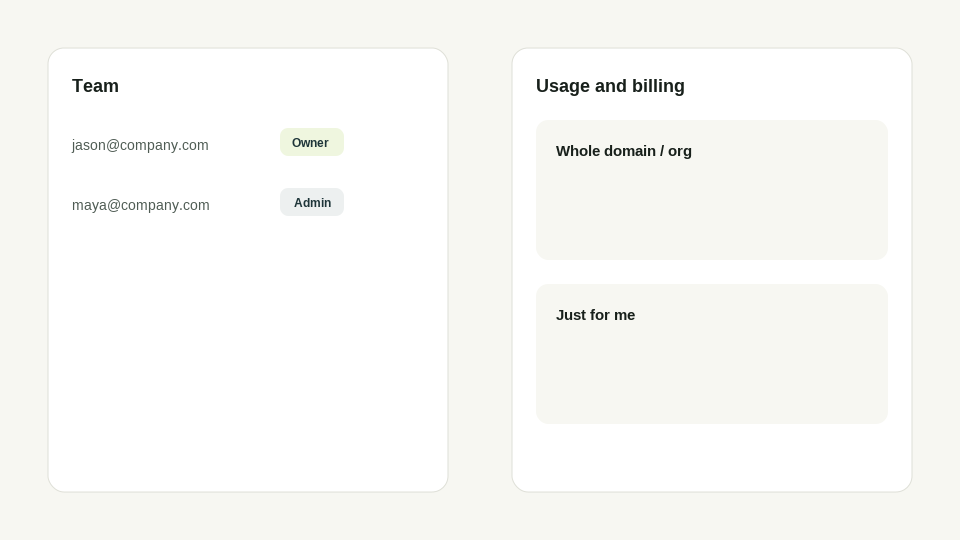
Usage & billing type scale
Usage & billing now uses one consistent type scale so card titles, status lines, metrics, and buttons no longer fight each other for weight.
How to use it
- 1
Open Settings → Usage & billing.
- 2
Scan Free sessions, Workspace / Just for me, Promo code, and the month metric tiles — titles, status, and figures should match in size and weight.
- 3
Compare Add workspace card and Add Just for me card labels: both use the same weight.