Back to changelog
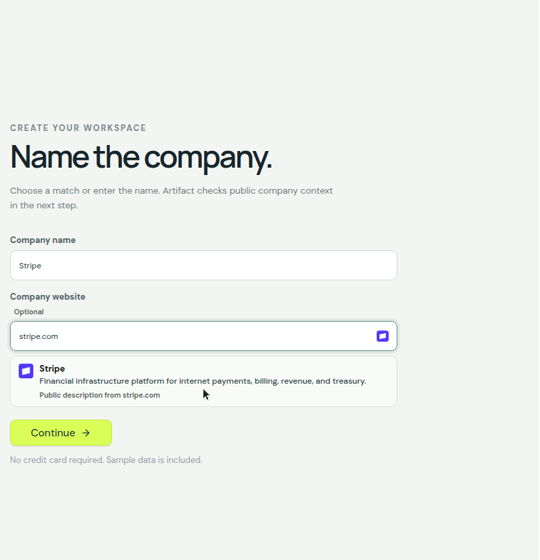
Website suggestions in signup
The optional company website field now suggests matching sites and shows the public name, icon, and description it will use.
How to use it
- 1
On the first workspace step, start typing a company website and choose a match, or enter the full domain.
- 2
Read the name and public description under the field. Clear the website if you want to continue without one.