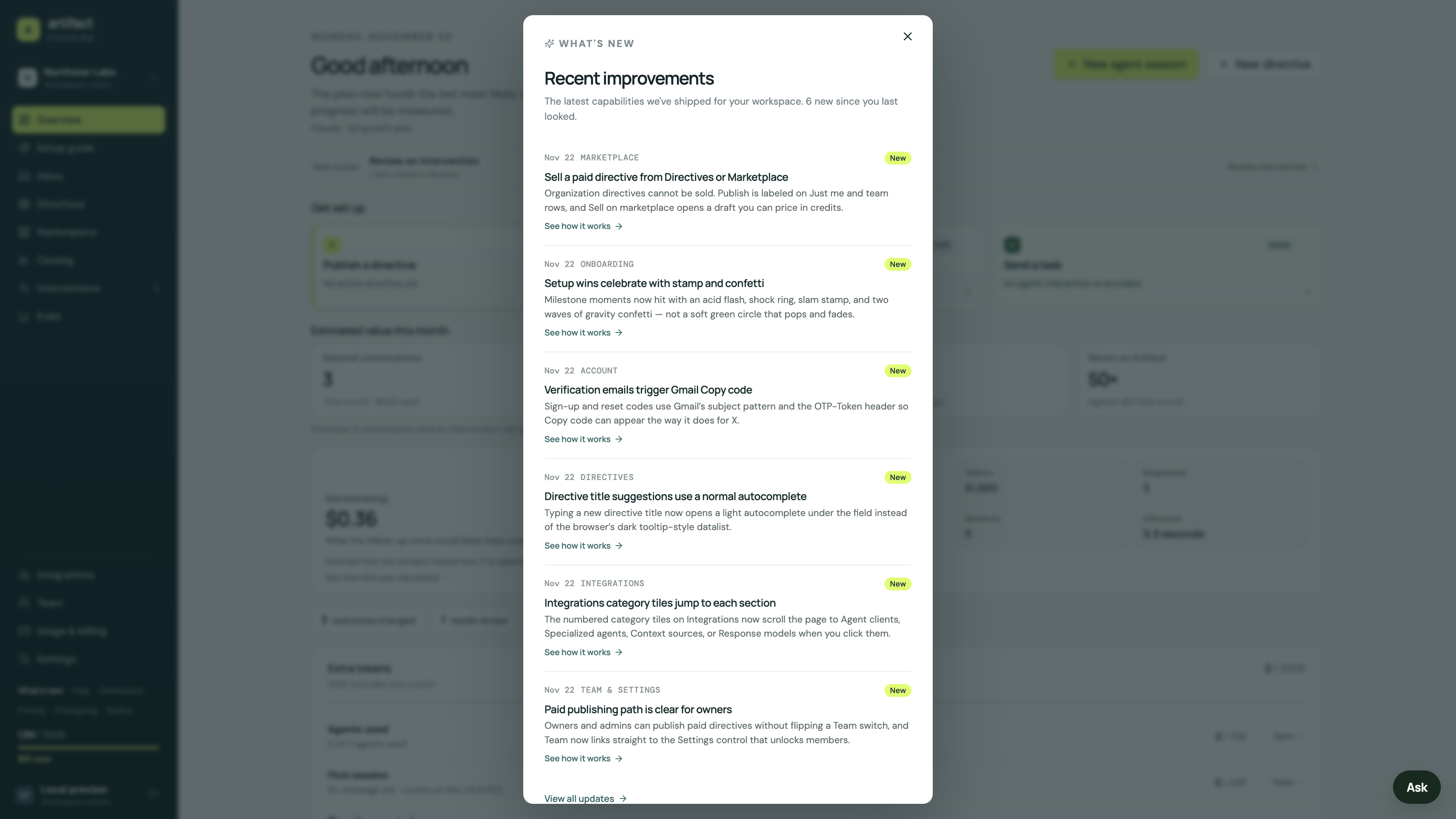
What's new panel surfaces recent improvements in the dashboard
A What's new control in the workspace sidebar opens a panel of the latest shipped improvements, with an unseen indicator and a link to each release guide.
How to use it
1
In the workspace sidebar, click What's new — a dot appears when there are improvements you haven't seen.
2
Read the recent improvements and open See how it works on any item, or View all updates for the full changelog.