Back to changelog
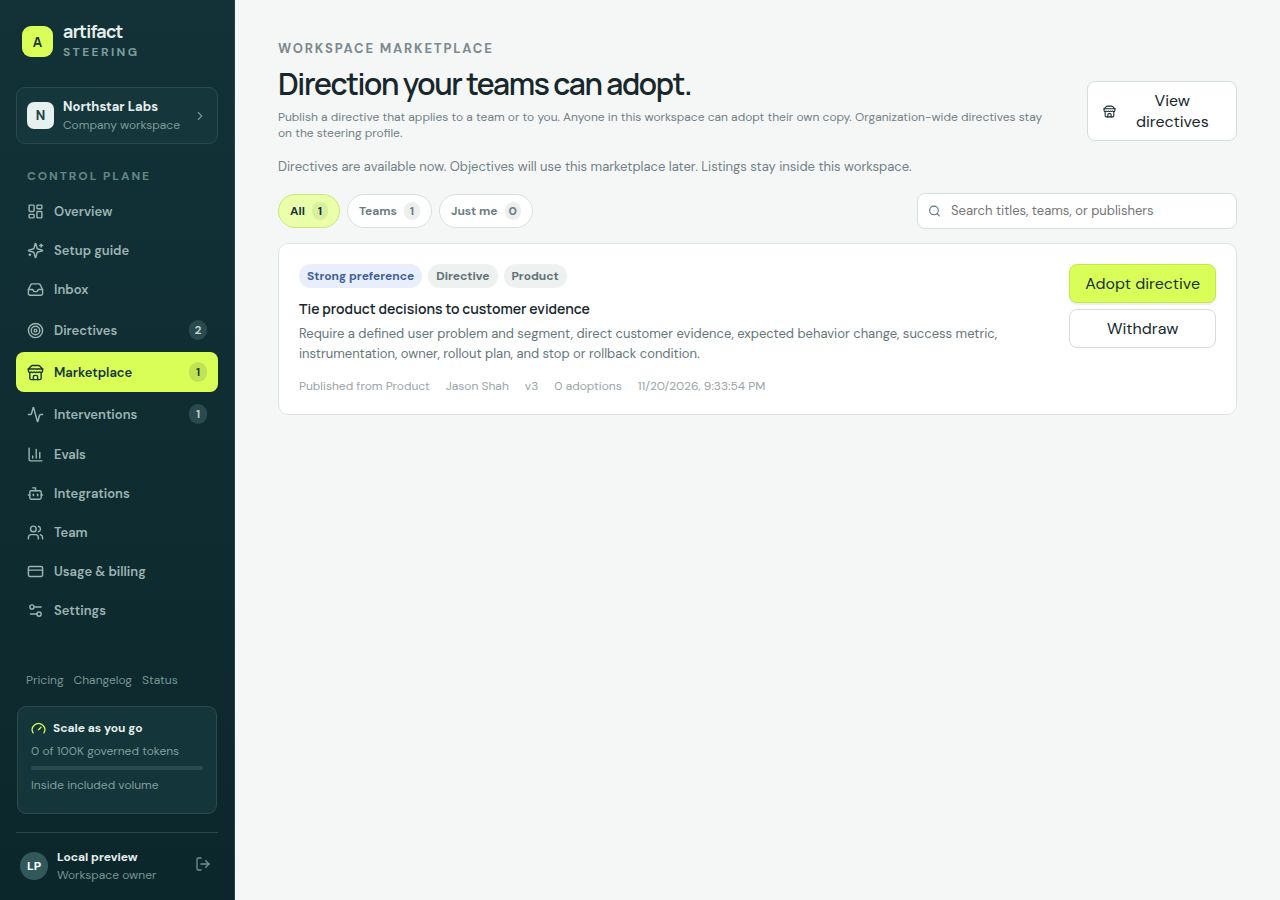
Workspace marketplace for team and personal directives
People in a workspace can publish a team or personal directive to the Marketplace so teammates can adopt their own copy.
How to use it
- 1
Open Directives, choose a team or Just me directive, and select Publish to marketplace. Leave the note blank or add one.
- 2
Open Marketplace, select Adopt directive, and choose Just me or a team.
- 3
Return to Directives to see your copy, marked Adopted from marketplace.