Bring Jira and Confluence decisions into Artifact
Export Confluence pages or Jira threads and upload them so Inbox can propose directives. Run Atlassian's MCP server beside Artifact so agents read Jira and Confluence while Artifact supplies the rule.
Atlassian stays where the team records decisions. Export the Confluence pages and Jira threads that settle recurring rules, upload them in Artifact, and review the Inbox proposals. For execution time, add Atlassian's MCP server at https://mcp.atlassian.com/v2/mcp next to Artifact in your agent. Artifact does not sync Atlassian automatically yet.
For: Engineering, product, and IT leads who keep operating decisions in Confluence and Jira and want agents to follow the current rule instead of a stale page.
Decisions, not the whole space
Pick the pages and threads that encode real rules, such as severity definitions, launch gates, and approval limits.
Propose by upload
Artifact drafts directives from the uploaded material. Publishing still waits for a person in Inbox.
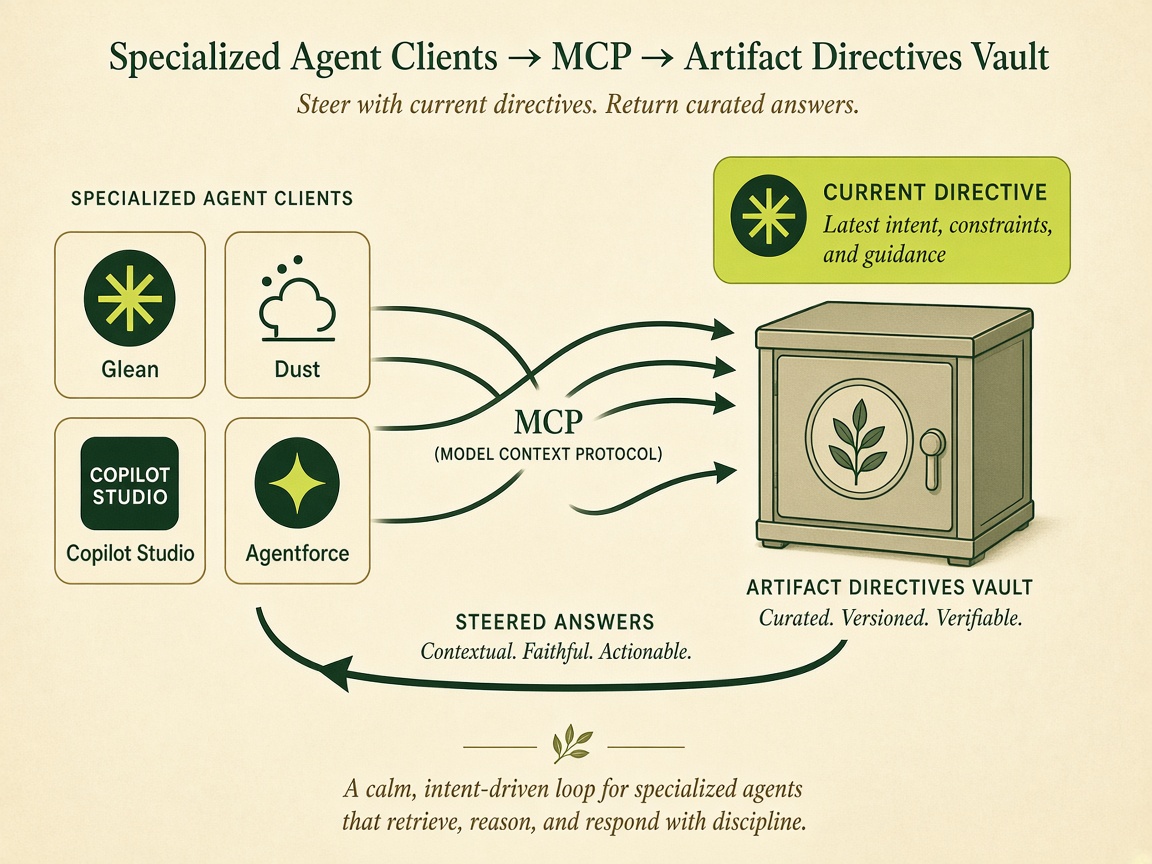
Atlassian MCP beside Artifact
Atlassian's server lets an agent search and update Jira and Confluence. Artifact tells it which rule applies.
What works today
There is no Atlassian tile in Context sources yet. Upload exported pages or threads so Inbox can propose directives, the same propose-and-review workflow as other document sources.
- Export a Confluence page as a PDF, or save a Jira thread as one.
- Upload it from Home → Add context and review the proposals.
- Native Atlassian sync is not available. Nothing refreshes until you upload again.
Good pages to start with
Incident severity, release approval, change-freeze, and escalation pages produce durable directives. Skip meeting notes and drafts that nobody owns.
Atlassian MCP next to Artifact
Atlassian's remote MCP server reads and writes Jira, Confluence, Bitbucket, and more with the signed-in person's own permissions. Add it to the same agent that has Artifact. The agent calls Artifact first for the rule, then Atlassian for the data. This does not feed Inbox. Upload is how history reaches Inbox.
- Sign-in is OAuth 2.1 by default. An organization admin can also allow API tokens for headless use.
- Search and context tools can use your organization's Rovo credits, so Atlassian bills those calls.
- To steer Atlassian's own coding agent, see the Rovo Dev guide.
Connector values
- Atlassian MCP server URL
- https://mcp.atlassian.com/v2/mcp Add it beside Artifact. Sign in with OAuth when your agent asks.
Replace the placeholder with a private token created inside your Artifact workspace. Do not publish or share the token.
Frequently asked questions
Can I connect Atlassian to Artifact with one click today?
Not yet. Upload exported Confluence pages or Jira threads to propose directives. Native Atlassian sync is planned and not available.
Does the Atlassian MCP server send my Jira or Confluence data to Artifact?
No. It connects your agent to Atlassian. Artifact only sees what you upload and the task summaries your agent records.
Which agents can use both?
Atlassian lists Claude, ChatGPT, Codex, Cursor, VS Code with GitHub Copilot, Gemini CLI, and Windsurf among supported clients. Each of those can also connect to Artifact.