
Steer the Figma agent so designs match company rules
Add Artifact as a custom MCP connector in the Figma agent and Figma Make so spacing, brand, and review rules apply before frames are created. Also use Figma MCP in Claude or Cursor when you need design context from a selection link.
In the Figma agent or Figma Make, create a custom MCP connector named Artifact, paste https://app.artifactcomputing.com/mcp, and authenticate with a Bearer token from Artifact Integrations. Enable Artifact’s tools so the agent retrieves design directives before it drafts. Separately, Figma’s own MCP at https://mcp.figma.com/mcp supplies design context in Claude, Cursor, and Claude Code.
For: Product designers and design leads who want the Figma agent and Figma Make to produce screens that follow owned design decisions—not invent a new system each chat.
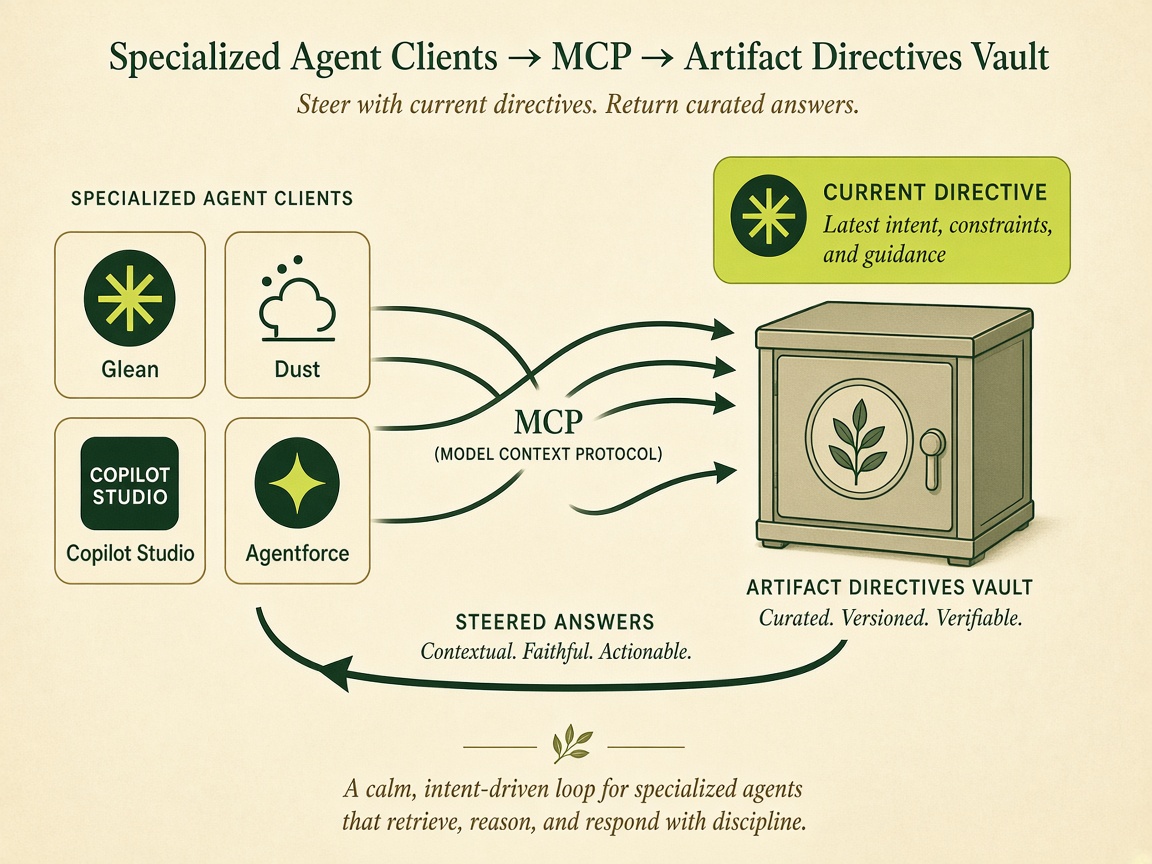
Inform the Figma agent
Connect Artifact inside Figma agent and Figma Make. Spacing, component reuse, contrast, and review gates apply before the agent creates frames.

Same rules as every other agent
A design directive published once reaches the Figma agent, Claude Design, Claude Code, and Cursor—scoped the way you set it.
Figma MCP for design context
In coding clients, add Figma’s remote MCP and paste a selection link when the agent must read or update a shared file.
Can the Figma agent invent a new primary button for this settings screen?
The mock looks sparse—draw a new pill button with a custom gradient.
Use the existing Primary button from the library. Flag a review only if the settings state needs a variant the library does not have.
Applied directiveReuse library components; do not invent a new primary button without design-system review
Steer the Figma agent and Figma Make
Figma lets you add a custom MCP connector in the agent chat and in Figma Make. Artifact is that connector. The agent retrieves current design directives, then drafts. You stay in Figma; Artifact does not sync every file into Inbox.
- Create the connector under Add context → Connectors → Manage → Create.
- Paste the Artifact MCP URL and authenticate with a Bearer header from Integrations.
- Enable Artifact tools (Ask to run or Always run). Mention @Artifact when you want it explicit.
What to publish as directives
Write the decisions you would tell a designer before they open a blank frame: type scale, spacing, when a new component needs review, accessibility floors, and launch handoff gates.
Figma MCP as a context source
Separately, Figma’s remote MCP at https://mcp.figma.com/mcp lets Claude, Cursor, and Claude Code read design context from a selection link and write to the canvas when your plan allows. Keep Artifact connected in that client too so coding agents follow the same design rules.
- Paste Copy link to selection into the prompt.
- Prefer Figma’s client plugin when it installs skills with the server.
- This path does not replace the Figma agent connector above.
Claude Design for exploration
Use Claude Design for a first pass against your design system, with Artifact connected. Move durable screens into Figma with the Figma agent or Figma MCP when the shared library must update.
- Publish design rules once in Artifact.
- Explore in Claude Design.
- Ship in Figma under the same directives.
Connector values
- Artifact MCP URL
- https://app.artifactcomputing.com/mcp Custom connector in the Figma agent or Figma Make.
- Authentication
- Authorization: Bearer YOUR_ARTIFACT_TOKEN Custom request headers in Figma Advanced settings.
- Figma MCP URL (context in other clients)
- https://mcp.figma.com/mcp For Claude, Cursor, and Claude Code—not the Artifact connector inside Figma.
Replace the placeholder with a private token created inside your Artifact workspace. Do not publish or share the token.
Frequently asked questions
Can Artifact steer the Figma agent directly?
Yes. Add Artifact as a custom MCP connector in the Figma agent or Figma Make with a Bearer token. The agent retrieves design directives before it drafts frames.
Is Figma also a context source?
Yes. Figma’s own MCP supplies design context in Claude, Cursor, and Claude Code via selection links. That is separate from connecting Artifact inside the Figma agent.
Does Artifact sync every Figma file into Inbox?
No. There is no Connect Figma OAuth tile that mirrors Slack or Drive. Steering uses the custom MCP connector; file sync into Inbox is not available yet.
How does this work with Claude Design?
Claude Design is Anthropic’s design canvas. Keep Artifact connected there for exploration. Use the Figma agent connector when work stays in Figma. Read /blog/claude-design-figma-mcp-artifact for the full loop.