
Save page context from Chrome into Artifact
Install the Artifact Context Chrome extension to save the current page or a selection into the context library beside Slack and Google Drive, and recommend directives in Inbox.
Install the Artifact Context extension, paste a private Artifact token, and save the page or a selection. Artifact stores it as context and can propose directives in Inbox for review before any agent uses them.
For: Operators who find company rules and decisions on the open web, internal docs in the browser, or policy pages and want them in Artifact without a file upload.
Beside Slack and Google Drive
Captures land in the same context library as connected Slack channels and Drive files, so agents retrieve them with the rest of company context.
Directives stay reviewable
Recommended directives open in Inbox. Nothing becomes live direction until someone accepts it.
Selection or whole page
Save a highlighted passage when the page is noisy, or the readable page text when the whole article is the source.
Can support refund above the published limit?
Refund whatever keeps the customer.
Do not refund above the limit. Draft the reply and notify Finance.
Applied directiveRefunds above the published support limit need Finance approval
What is awesome about Chrome + Artifact
Company direction often appears first on a web page, a Notion share link, or a policy PDF opened in the browser. Capture it once into Artifact instead of pasting into every agent prompt.
- Context stays versioned with its page URL and title.
- Inbox proposals are ordinary directives after accept.
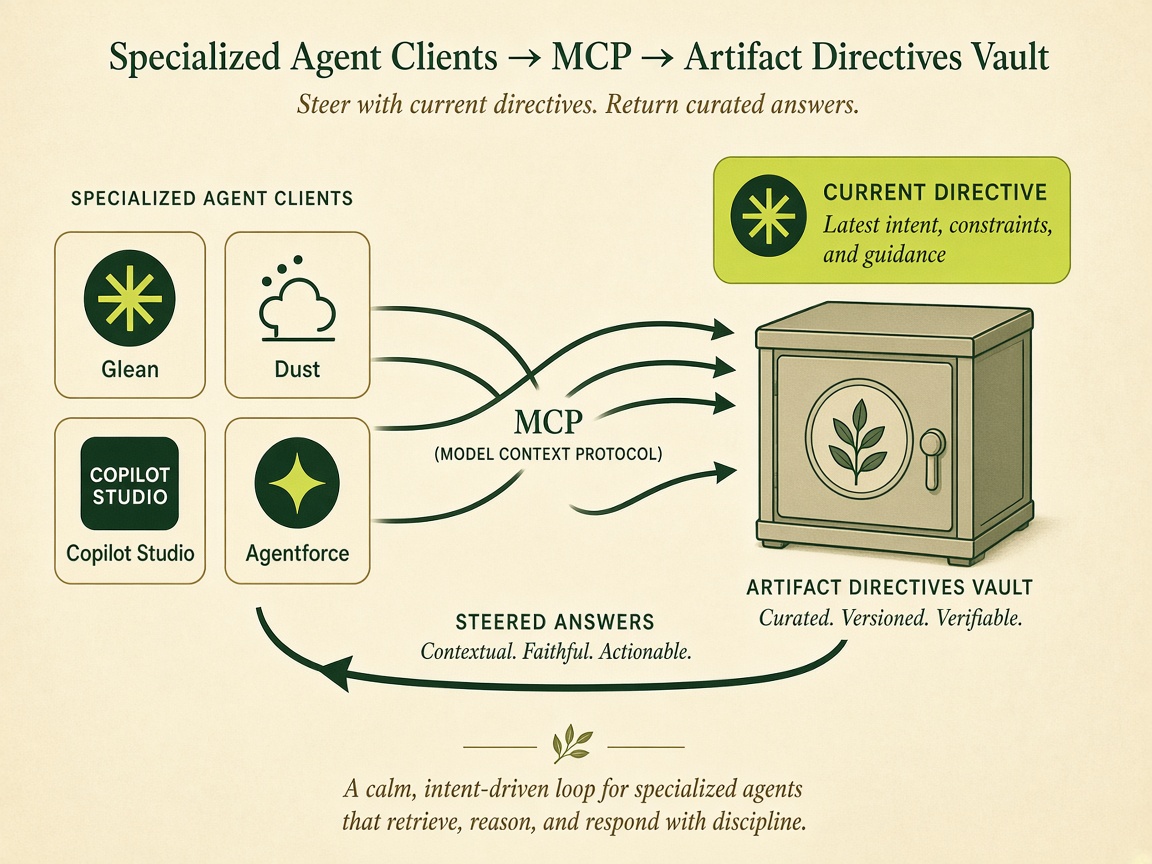
- The same Artifact token works for MCP clients.
How to connect
Install Artifact Context from the Chrome Web Store (or load the packaged zip while the listing is in review), create a private token in Artifact, paste it into the extension, then save a page.
- Use Selection only when the page has ads or navigation noise.
- Turn off Recommend directives when you only want context notes.
- Open Inbox to accept or dismiss proposals.
- Remove the token from the extension anytime; revoke it in Artifact to cut off API access.
Connector values
- Capture API
- https://app.artifactcomputing.com/v1/web-captures POST with Authorization: Bearer art_live_…
- Store package
- packages/artifact-context-chrome.zip Upload this zip to the Chrome Web Store developer console
Replace the placeholder with a private token created inside your Artifact workspace. Do not publish or share the token.
Frequently asked questions
Is this the same as uploading a PDF?
It uses the same inbox and context paths. The extension sends page text and URL over the capture API instead of an S3 file upload.
Does Artifact store the whole page HTML?
No. It stores a readable text extract, title, URL, and short context notes. Raw HTML is not kept.
Can I use a Cognito session instead of a token?
The extension authenticates with a private Artifact token today, the same class of credential used for MCP.