
Run Artifact responses on Hugging Face Inference
Connect Hugging Face Inference so Artifact can draft and evaluate on Hugging Face models while agents retrieve company direction over MCP.
An admin adds a Hugging Face Inference credential on Integrations. Artifact checks it, then can use Hugging Face for in-app responses and evaluations.
For: Teams that already use Hugging Face for inference and want Artifact drafting and evaluations on the same path.
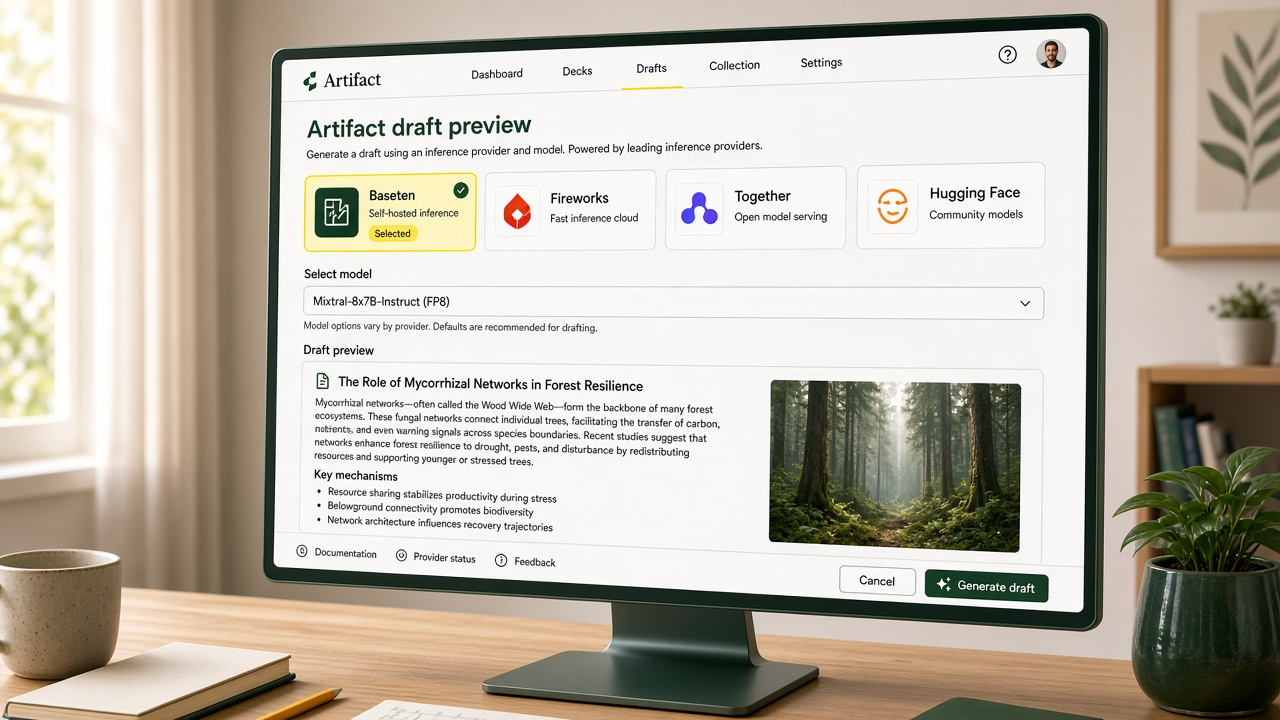
Hugging Face for inference
Hugging Face serves model calls inside Artifact. It does not replace MCP setup for Claude, ChatGPT, or Cursor.

One steering profile
Keep company direction in Artifact while you change which model drafts or scores work in-app.
Admin-managed credential
The key is checked, stored, and not returned. Members do not manage response-model secrets.
What is awesome about Hugging Face + Artifact
You keep Hugging Face as the inference path you already operate, while directives stay the single source of changing company decisions for every MCP agent.
- Use Hugging Face for Artifact drafts, previews, and evals.
- Use MCP guides for production agents.
- Receipts still focus on directive versions and outcomes.
How it differs from agent connectors
Connecting Hugging Face does not install Artifact into an external agent. Complete each client’s MCP guide so those agents retrieve live direction.
- Response-model keys are admin-only.
- You can connect multiple providers side by side.
- Remove a provider anytime from Integrations.
Evidence without transcripts
Quality runs and steered interactions keep model names, directive titles, outcomes, and token metadata. They do not keep the task prompt or answer body as retained transcript content.

Frequently asked questions
Does a Hugging Face key steer Cursor or Claude?
No. Those clients need an Artifact MCP connection. The Hugging Face key powers Artifact in-app responses and evaluations.
Who can add the key?
Workspace admins only.
Can I use Hugging Face beside OpenRouter or Claude keys?
Yes. Admins can connect multiple response providers.
Is the key readable after save?
No. Artifact checks it, stores it, and does not return it.