
Connect the models Artifact uses to draft and evaluate
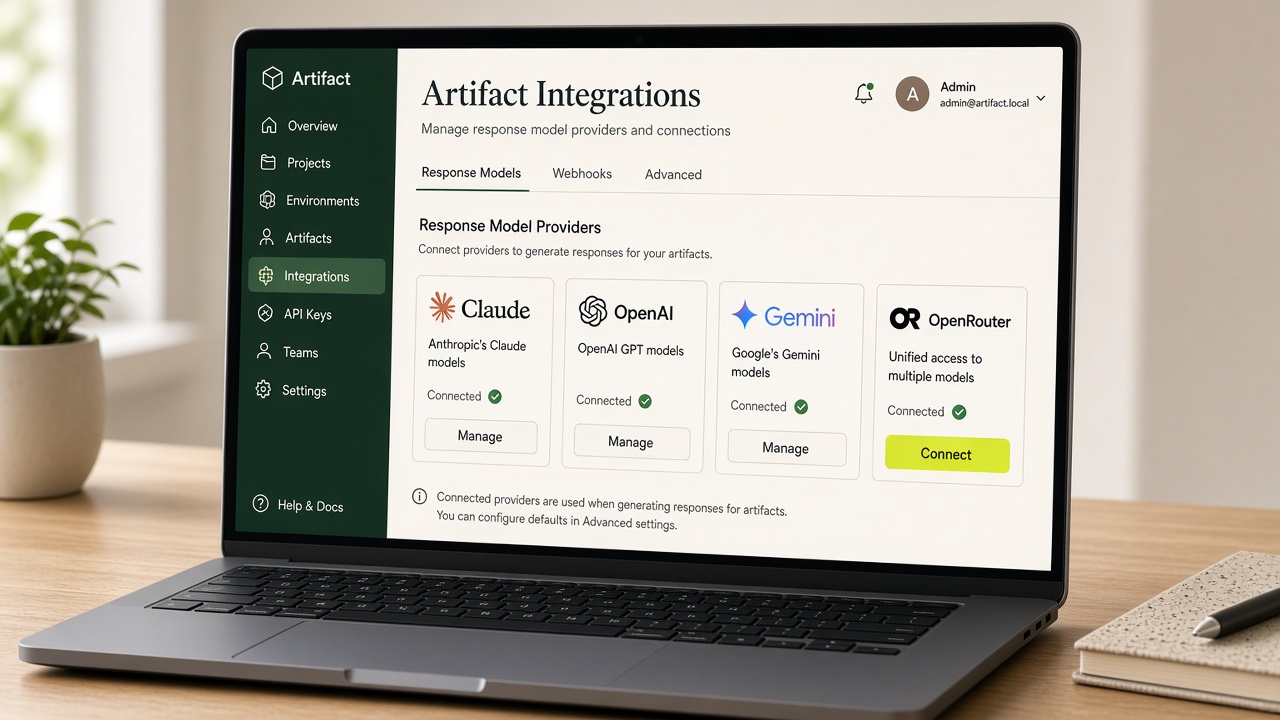
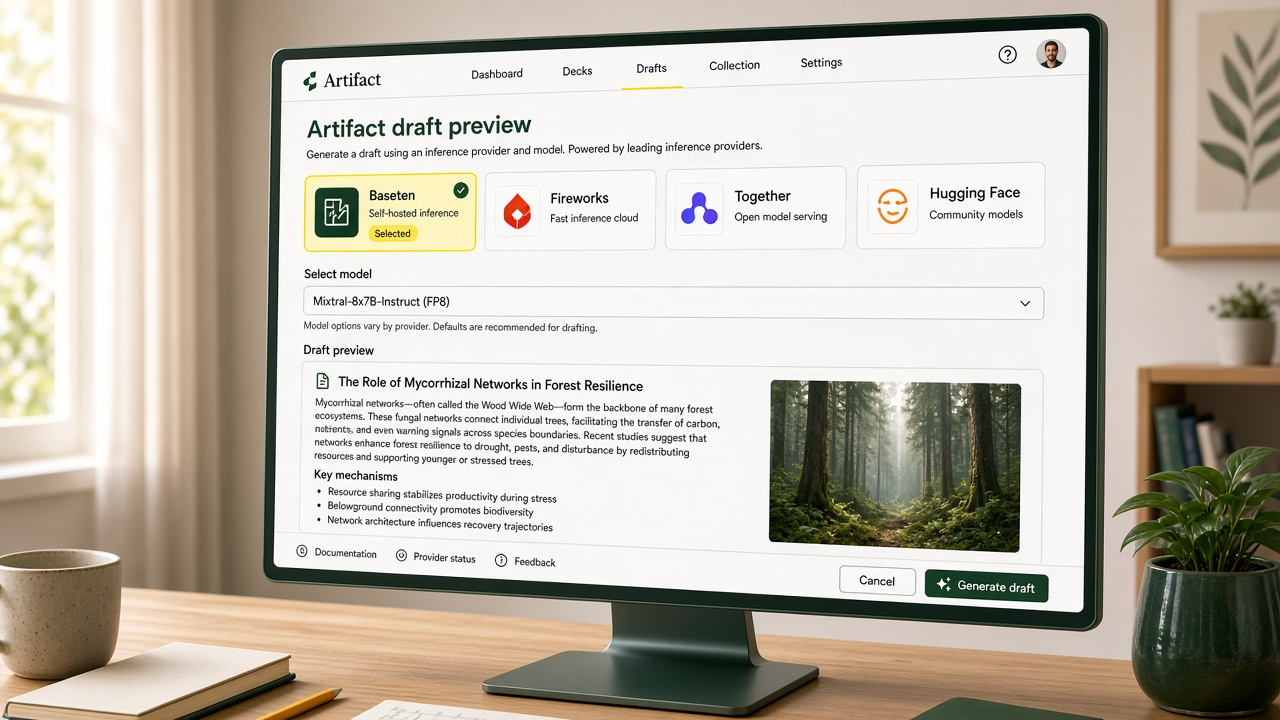
Admin-managed keys for Claude, OpenAI, Gemini, xAI, Thinking Machines Lab, OpenRouter, Baseten, Fireworks, Together, and Hugging Face power Artifact in-app drafts and evaluations. MCP agent steering stays separate—and better when both are connected.
On Integrations, an admin adds a provider API key. Artifact checks connectivity, then uses that provider for in-app responses, previews, and evaluations. The key cannot be read back after save. External agents still connect over MCP to retrieve directives.
For: Workspace admins choosing which models power Artifact’s own drafting and evaluation surfaces.

Two connections, two jobs
MCP steers Claude, ChatGPT, Cursor, and specialized agents. Response-model keys power Artifact’s product surfaces.
Admin-only secrets
Members still connect agents and shared Slack or Drive sources. Model API keys stay admin-managed.

Checked, then sealed
Artifact runs a fixed connectivity check before saving. The key is not returned afterward.
Why teams connect response models
You want Artifact’s drafts, previews, and evals on the same providers you already trust—while company direction still lives in one steering profile for every MCP agent.
- Claude, OpenAI, Gemini, and xAI for first-party models.
- Thinking Machines Lab for Inkling and custom Tinker checkpoints.
- OpenRouter to route across models.
- Baseten, Fireworks, Together, and Hugging Face for hosted inference.
What gets better with both layers
Admins pick the draft model. Operators publish directives once. Agents on MCP retrieve those directives whether the in-app draft used Claude or OpenRouter.
- Quality runs keep scores, models, and directive titles—not prompt bodies.
- Order providers Claude → OpenAI → Gemini → xAI → Thinking Machines Lab → OpenRouter → Baseten → Fireworks → Together → Hugging Face when listing them together.
- Remove a provider anytime from Integrations.
Not a substitute for agent setup
Adding an OpenAI key does not connect ChatGPT Desktop. Complete each client’s MCP guide so production agents retrieve live direction.
Frequently asked questions
Is a response-model key the same as an MCP agent connection?
No. Keys power Artifact in-app drafting and evaluations. MCP lets external agents retrieve directives and record receipts.
Can members add model API keys?
No. Response-model API keys stay admin-only.
Which providers can I connect?
Claude, OpenAI, Google Gemini, xAI, Thinking Machines Lab, OpenRouter, Baseten, Fireworks, Together AI, and Hugging Face Inference.
Can I remove a provider later?
Yes. Remove the provider connection from Integrations.