Run Artifact responses on Thinking Machines Lab models
Connect a Tinker API key so Artifact can draft and evaluate with Thinking Machines Lab’s Inkling models or a custom Tinker checkpoint while MCP agent steering stays separate.
An admin adds a Thinking Machines Lab Tinker API key on Integrations and chooses Inkling, Inkling Small, or an exact Tinker model or checkpoint ID. Artifact validates the key against Tinker’s OpenAI-compatible API, seals it, and can use that model for in-app responses and evaluations.
For: Teams using Tinker to customize or serve models and wanting Artifact drafting and evaluations on the same inference path.
Inkling or your checkpoint
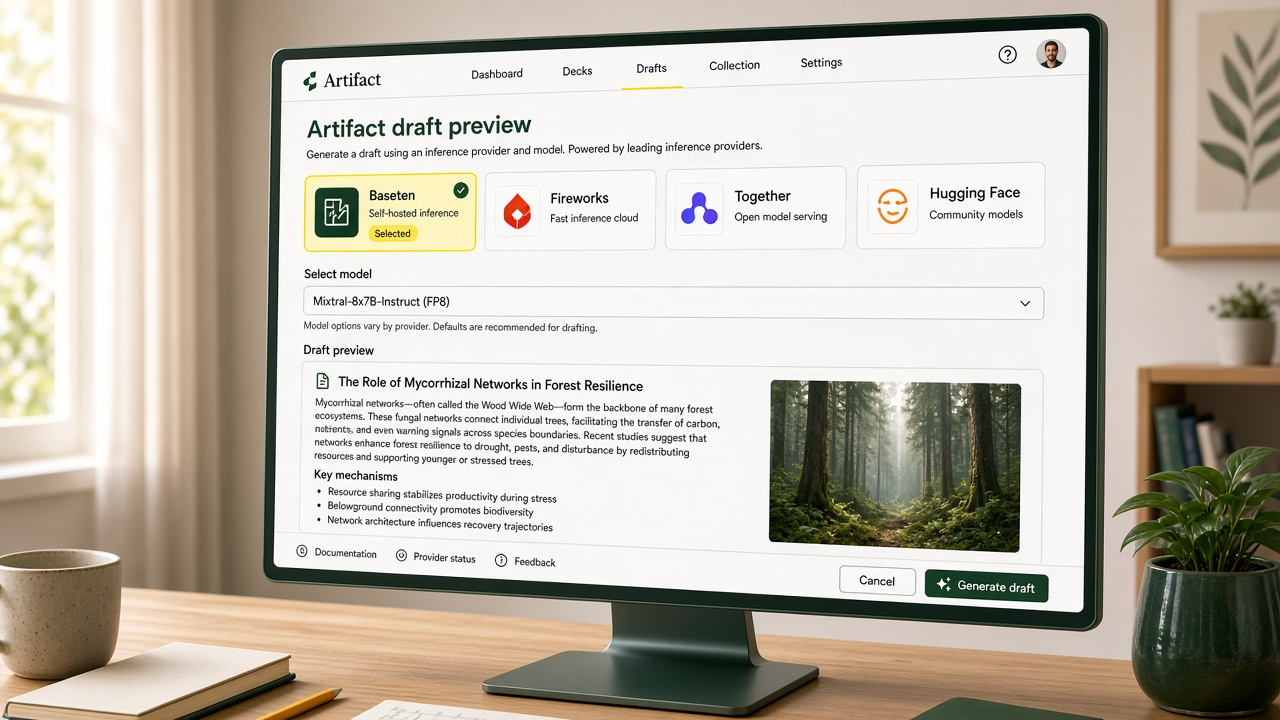
Choose an Inkling preset or paste the exact Tinker model or checkpoint ID your workspace already uses.
OpenAI-compatible, fixed endpoint
Artifact sends chat completions only to Thinking Machines Lab’s documented Tinker API host. The key is never placed in the URL.
Admin-managed credential
Artifact validates the key before saving it and never returns it to the browser afterward.
What Thinking Machines Lab + Artifact supports
Thinking Machines Lab’s Tinker API accepts OpenAI-compatible chat completions for base models and saved checkpoints. Artifact uses that path for product drafts, previews, and evaluations.
- Inkling and Inkling Small presets for a quick start.
- Custom Tinker model IDs and tinker:// checkpoint paths.
- One connected provider can become the workspace default or be chosen for an individual in-app run.
What stays separate
A Tinker key powers responses generated inside Artifact. It does not install Artifact into an external agent. Claude, ChatGPT, Cursor, and other agents still retrieve directives over MCP.
- Response-model credentials stay admin-managed.
- Agent MCP tokens remain separate credentials with separate scopes.
- Changing the response model does not change which directives apply.
Bounded connection behavior
Artifact validates the selected model with a fixed connectivity prompt, stores the credential without returning it, and sends later in-app requests only to the documented Tinker API host.
Frequently asked questions
Is Thinking Machines Lab an Artifact agent client?
No. This connection supplies a response model for Artifact’s own drafts and evaluations. External agents connect to Artifact separately over MCP.
Can I use a custom Tinker checkpoint?
Yes. Choose Custom model ID and paste the exact model ID or tinker:// checkpoint path documented by Tinker.
Does Artifact expose the Tinker key after save?
No. Artifact validates the key, stores it as an admin-managed secret, and does not return it to the browser.
Does this imply a partnership with Thinking Machines Lab?
No. Artifact supports the public Tinker API. The catalog entry does not imply endorsement or affiliation.