
Steer n8n AI agents with company direction
Add Artifact as an MCP Client Tool on an n8n AI Agent node so workflow agents check owned approval and data rules before they send, write, or update.
Create a private Artifact token, attach an MCP Client Tool to the AI Agent node with HTTP Streamable transport and Bearer Auth, and save the Artifact workflow in the agent's system message. n8n runs the workflow; Artifact supplies versioned direction before consequential steps.
For: Operations teams building n8n workflows with AI Agent nodes who need the same limits to apply across every workflow.
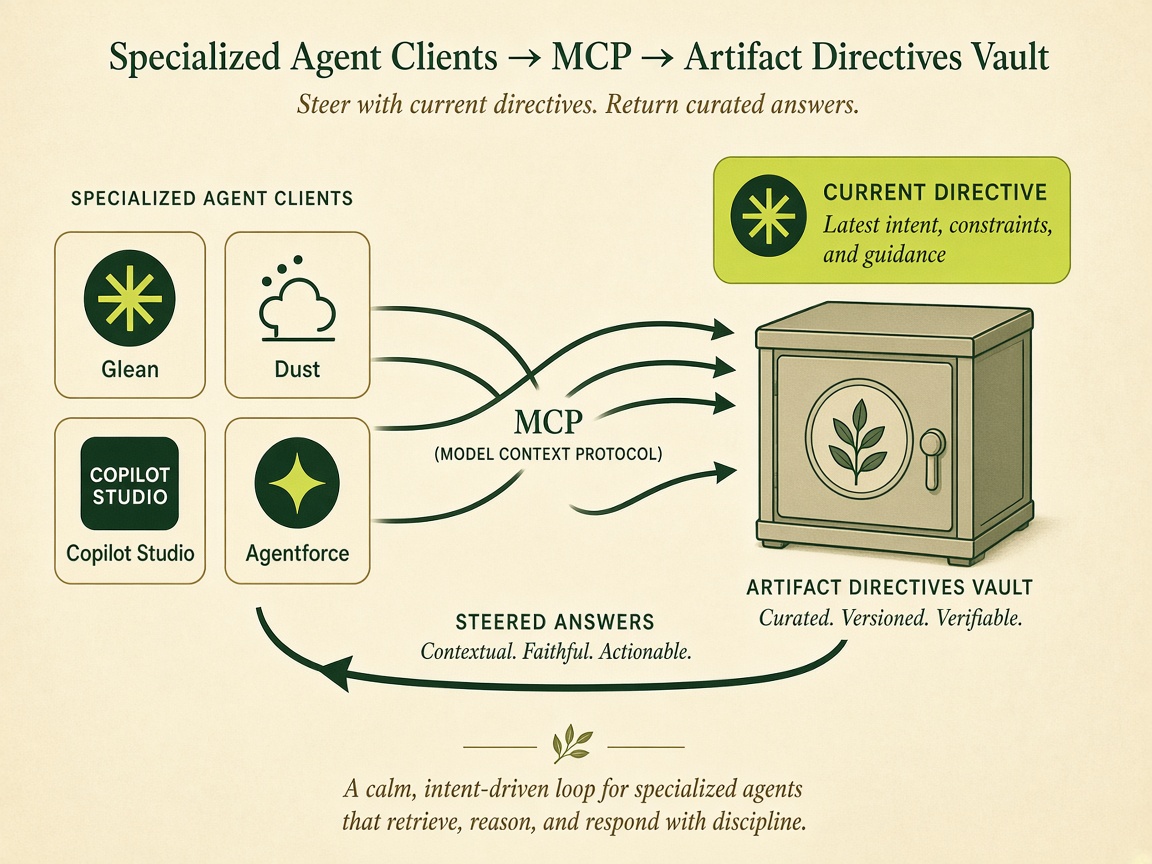
n8n runs the workflow. Artifact keeps the rule current.
A workflow decides which steps run. Pricing limits, data boundaries, and approval owners change on a business cadence, so they belong in owned directives the AI Agent node retrieves before it acts.
MCP, not another prompt paste
Point n8n at Artifact over MCP with a private token. Keep instructions focused on when to retrieve direction and record the receipt.

Same profile as Claude and Cursor
One workspace directive can govern n8n alongside Claude, ChatGPT, and Cursor, or you can scope it to named connections.
Should the workflow email the lead the pricing sheet with the discounted rate?
Send the pricing sheet with the discounted rate.
Send the list-price sheet and flag the discount request for the deal desk.
Applied directiveOnly list price goes out before a deal desk review
What is awesome about n8n + Artifact
A workflow decides which steps run. Pricing limits, data boundaries, and approval owners change on a business cadence, so they belong in owned directives the AI Agent node retrieves before it acts. Keep hard permissions in the vendor stack; use Artifact for owned priorities, boundaries, and exceptions that change faster than a prompt or a workflow.
- n8n remains the surface your team already runs.
- Artifact returns the matching directive version before the response.
- Receipts show outcome and version without storing raw transcripts.
How to connect
Create a token in Artifact, attach the MCP Client Tool to your AI Agent node using the values below, save the Artifact workflow in the system message, and run one verification task that should hit a live directive.
- Limit tools to Artifact steering and receipt methods when the client allows.
- Verify the interaction appears in Artifact before rolling out broadly.
- Update the directive when policy changes. Do not edit every agent prompt.
Where it wins
Consequential actions and answers that should respect approval limits, data boundaries, or review gates.
- Outbound email and pricing that need approval.
- Customer-data and retention boundaries.
- Records written to a system of record.
Connector values
- Endpoint
- https://app.artifactcomputing.com/mcp MCP Client Tool node, version 1.2 or later
- Server Transport
- HTTP Streamable
- Authentication
- Bearer Auth
- Token
- YOUR_ARTIFACT_TOKEN Paste only the token. n8n adds the word Bearer.
Replace the placeholder with a private token created inside your Artifact workspace. Do not publish or share the token.
Frequently asked questions
Is Artifact a replacement for n8n?
No. n8n remains where the work runs. Artifact is the steering layer for current company direction.
Where is the vendor setup documented?
Use n8n’s MCP Client Tool documentation for the product steps. This page covers the Artifact URL, token, and steering workflow.
Can directives be scoped only to n8n?
Yes. A directive can apply company-wide, to a team, or to named agent connections.
Does Artifact store the conversation?
No. Artifact records directive versions, outcomes, latency, and token counts, not raw prompts or replies as receipt content.
Which n8n node do I use?
The MCP Client Tool on an AI Agent node, so the agent retrieves direction on its own. The MCP Client node runs one named tool as a fixed step.